User Manual
Models: SC40T, SC40TNF, SC60T, and SC60TNF
2023 Page 16
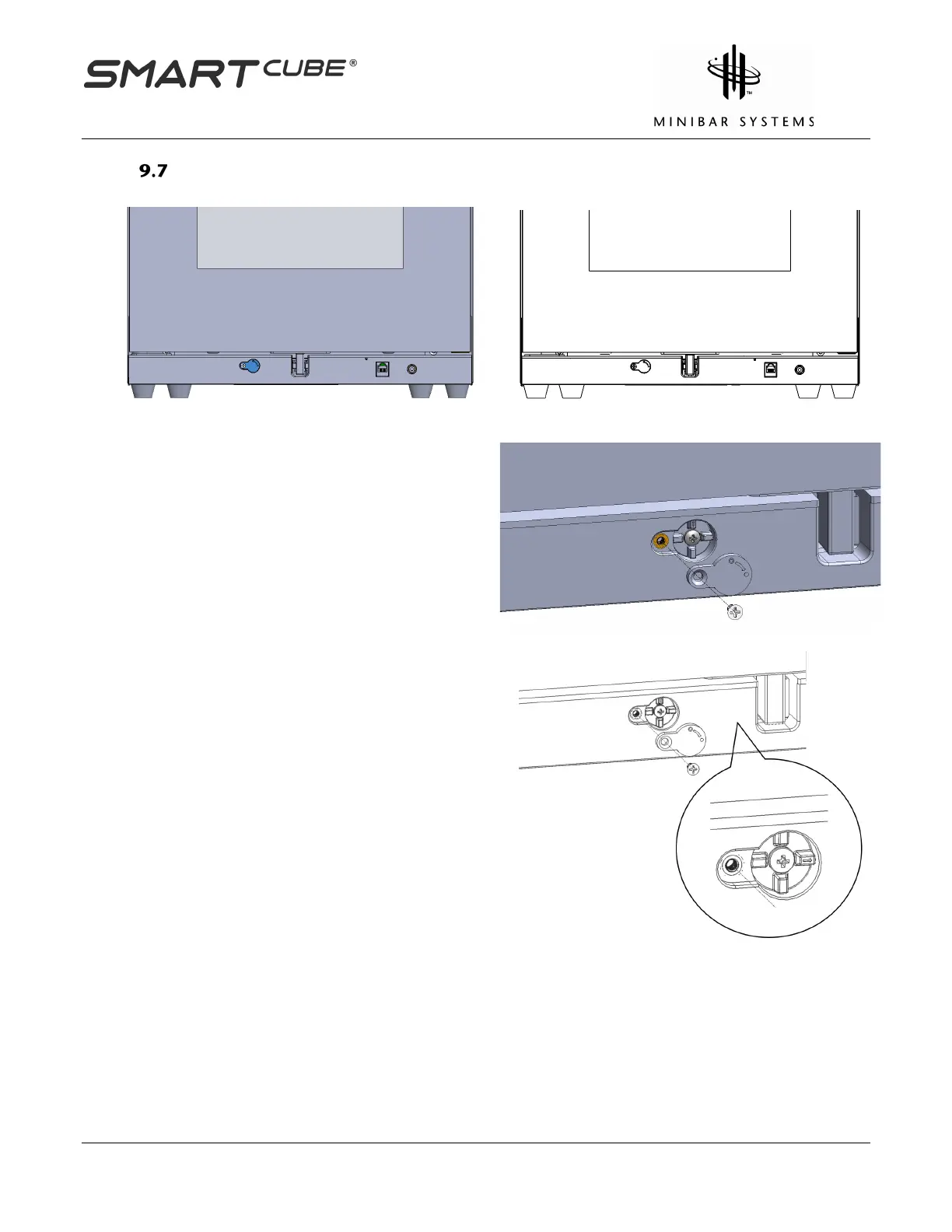
Lock Override Enabled (when electronics malfunctions)
Open the lock cover by removing the Philips
Head screw using a screw driver.
Press the override pusher head down and rotate
by 90 degrees in a clockwise direction to release
the E-lock function.





 To Next Page