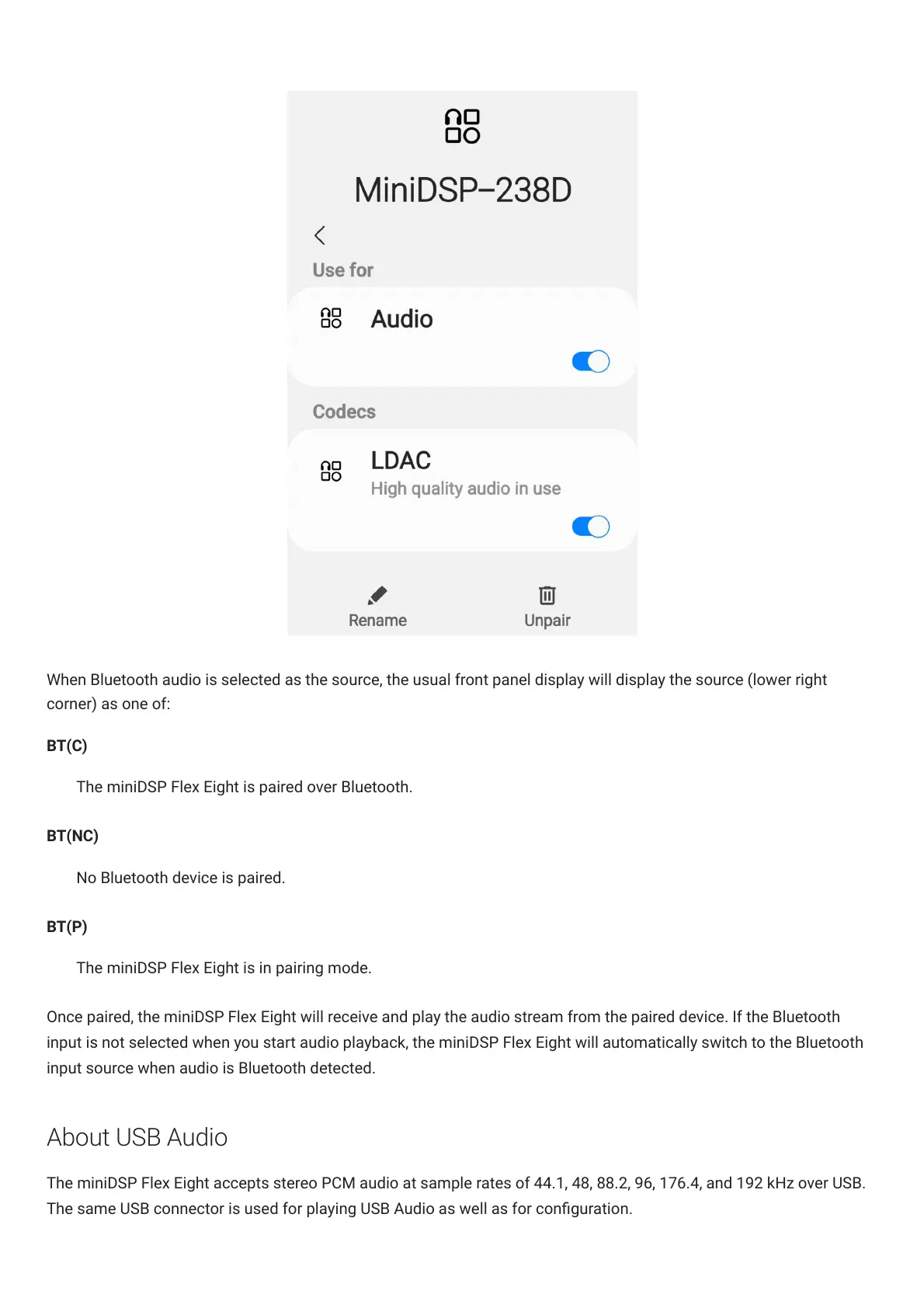
When Bluetooth audio is selected as the source, the usual front panel display will display the source (lower right
corner) as one of:
BT(C)
The miniDSPFlexEight is paired over Bluetooth.
BT(NC)
No Bluetooth device is paired.
BT(P)
The miniDSPFlexEight is in pairing mode.
Once paired, the miniDSPFlexEight will receive and play the audio stream from the paired device. If the Bluetooth
input is not selected when you start audio playback, the miniDSPFlexEight will automatically switch to the Bluetooth
input source when audio is Bluetooth detected.
About USB Audio
The miniDSPFlexEight accepts stereo PCM audio at sample rates of 44.1, 48, 88.2, 96, 176.4, and 192 kHz over USB.
The same USB connector is used for playing USB Audio as well as for conguration.



 To Next Page