12
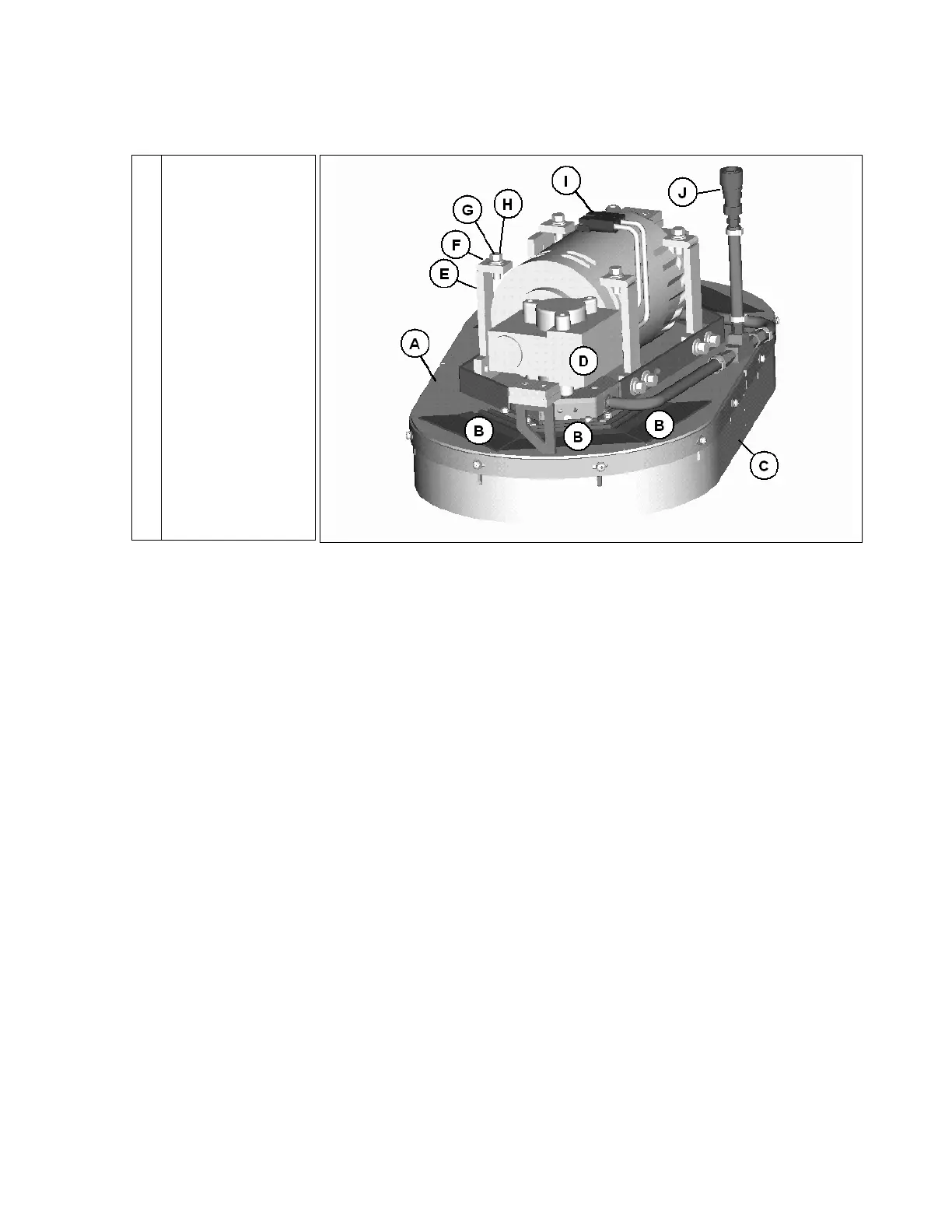
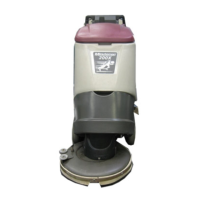
DISC SCRUB DECK
SCRUB DECK INSTALLATION
When installing a cylindrical scrub deck to a machine:
Install brushes after the deck has been mounted to avoid flat spots on the brushes.
Use a piece of cardboard underneath the deck to prevent scratches to the painted surface when
sliding the deck under the machine.
Make sure the scrub deck is oriented correctly with the spray jets towards the front of the
machine.
When installing a disc scrub deck to a machine:
Install brushes on the scrub deck; this aids the installer in sliding the deck assembly into
position.
Make sure the scrub deck is oriented correctly with the solution hose tee fitting towards the
front of the machine.
INSTALLATION INSTRUCTIONS
Park the machine on a flat or level surface.
Remove the 2 pins that fasten the deck cover on the machine.
Turn the key switch to the ON position and select the transport mode on the dashboard.
Slide the scrub deck assembly underneath the machine (follow instructions as described
above).
Position the scrub deck to align the mounting brackets with the mounting lugs on the lift
linkage.
Lower the lift linkage to the floor by pressing the raise/lower deck button.
Lower the lift linkage mounting lugs until they barely touch the scrub deck mounting brackets.
Fasten with the four (4) 711242 bolts, 711515 flat washer and 711546 lock washer.
For cylindrical scrub deck only:
A
B
C
D
E
F
G
H
I
J
Housing
Access door (6)
Brush skirt
Brush motor
Mounting bracket
Flat washer (4)
Lock washer (4)
Bolt (4)
Connector, power
Connector, water


 To Next Page