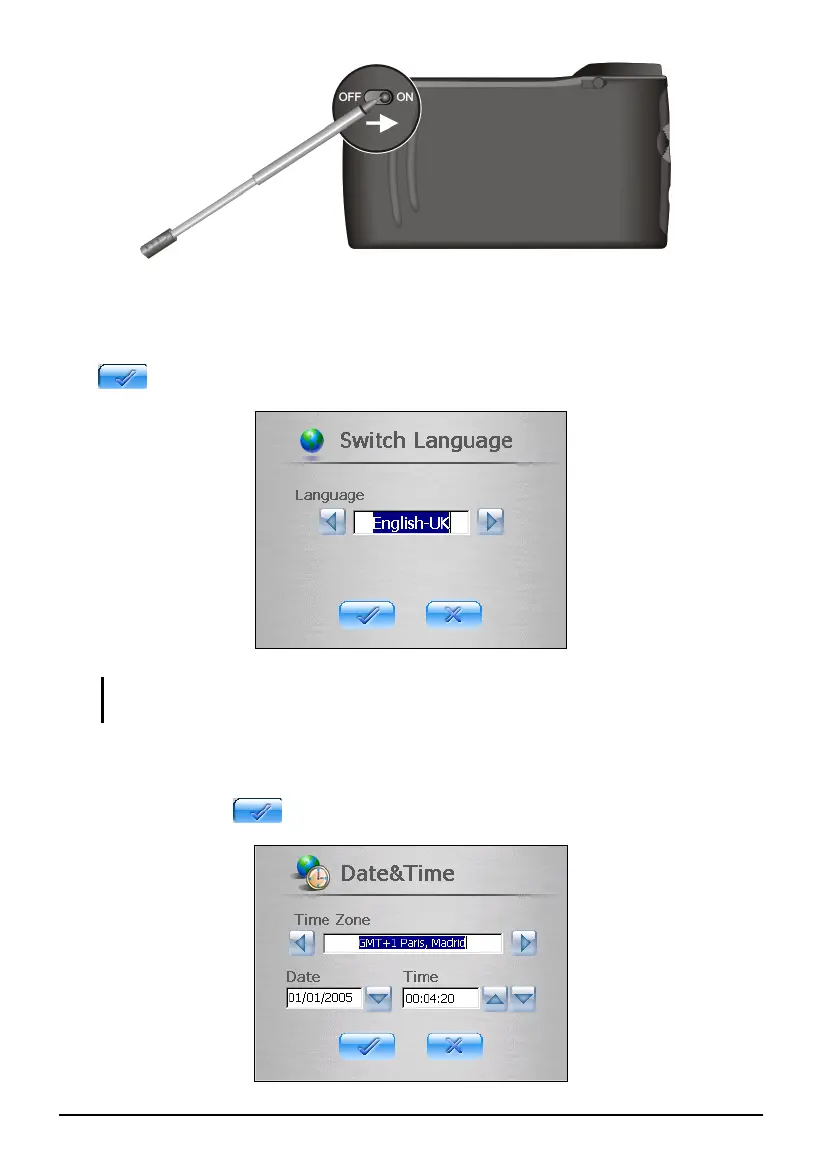
3. The Switch Language screen pops up. For most countries, only one
language is available. You can tap the left/right arrow to select a language
only if your region of purchase is a country with multiple languages. Tap
to continue.
NOTE: If multiple languages are available, you can change the language later on by
tapping Setting Switch Language. See Section 3.6 for more information.
4. The Time&Date screen appears asking you to set the Time, Date and Time
zone for your system. Tap the arrow button to select the time, date and time
zone. Then tap
to continue.
2



 To Next Page