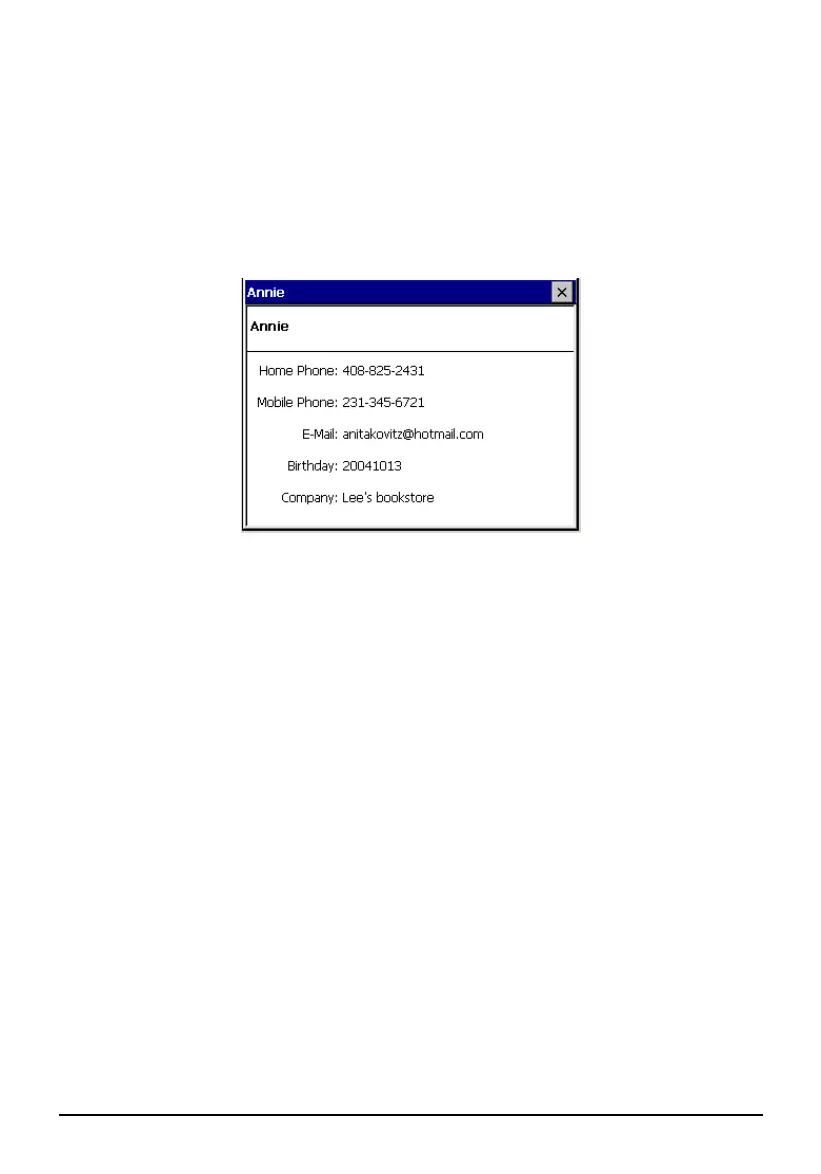
6.4 Displaying the Contacts Summary Screen
There are two ways to display the summary screen of a contact. You can either:
Double tap a contact in the contact list.
Select a contact and tap File (top toolbar) Open to open the summary
screen.
6.5 Editing or Deleting a Contact
To modify your contact details, you can select the appointment and then tap File
(top toolbar) Edit to go to the editing screen.
To delete a contact, tap
File (top toolbar) Delete.
46



 To Next Page