2 Basic Skills
This chapter familiarizes you with the basic operations of your device such as
using the stylus, navigation pad, and the volume control.
2.1 Turning On and Off Your Device
The on and off of your device is controlled by the Power button on the left side
of your device. When it is off, your device enters a suspend state and the system
stops operating. Once you turn on the power again, your device resumes the
operation.
Home Screen
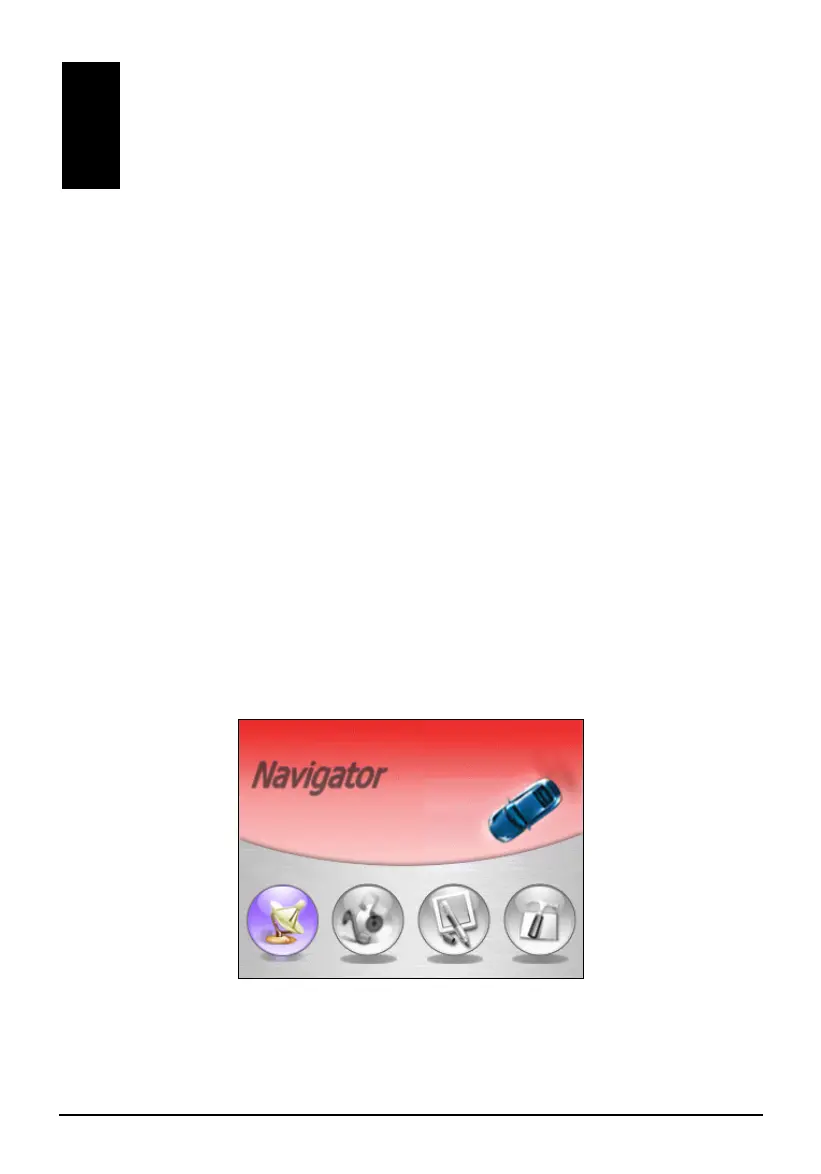
The first time you turn on your device, the Home screen appears as shown
below. There are four buttons on the Home screen including: Navigator, Music,
Tool and Setting. Each button represents a function or feature. For using a
function, just tap the corresponding button to access the function you need.
X Y Z [
11



 To Next Page