43
6 Contacts: Tracking Friends and Colleagues
This chapter tells you how to use Contacts, an optional program for viewing and
managing your contacts information.
6.1 Installing the Contacts Program
You can install the Contacts program to your device if you want to view and
manage contacts on your device.
NOTE: Once you install Contacts, you cannot remove it from the system, meaning the
program will always occupy the memory space.
1. Turn on your computer and your device.
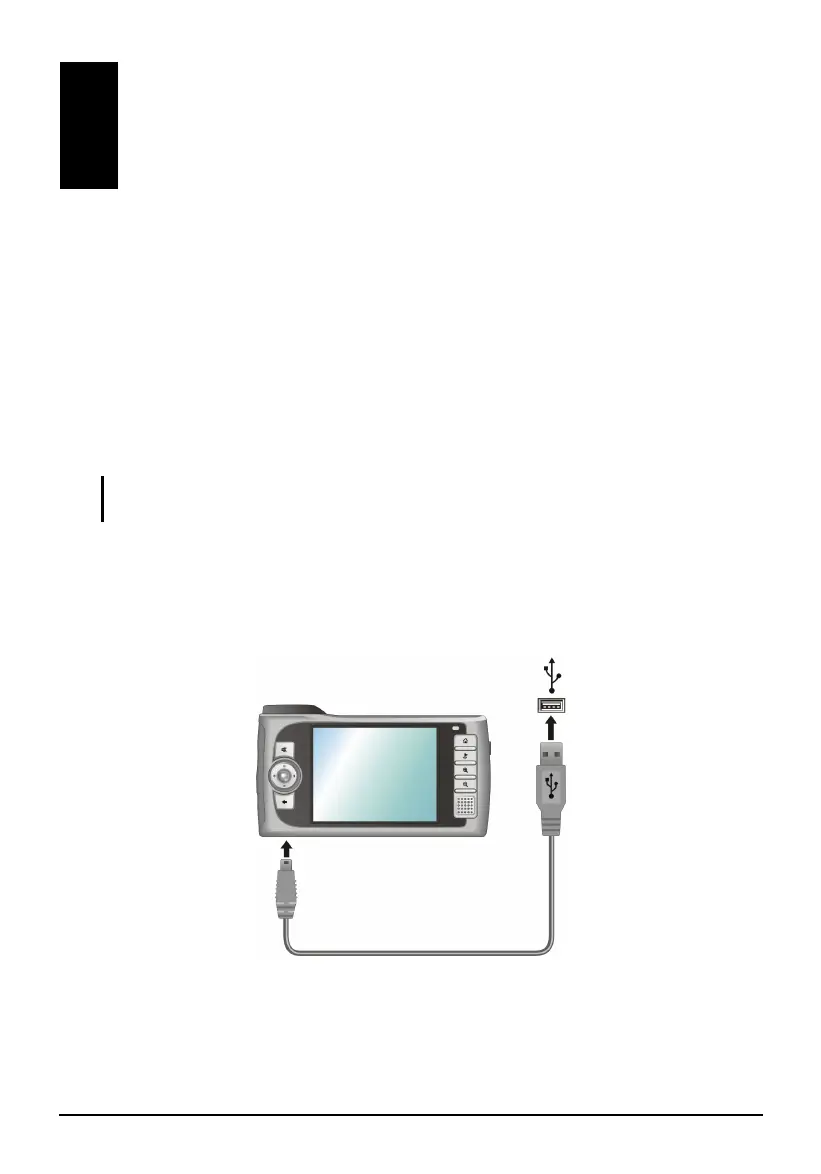
2. Connect the mini-USB end of the USB cable to the bottom of your device
and the other end to a USB port on your computer.
3. Insert the Application CD into the CD-ROM drive of your computer. The
auto run screen appears.
Contacts: Tracking
Friends and Colleagues



 To Next Page