1 Getting Started
This chapter tells you step by step how to perform the initial startup and
introduces the components of your device.
1.1 Performing the Initial Start Up
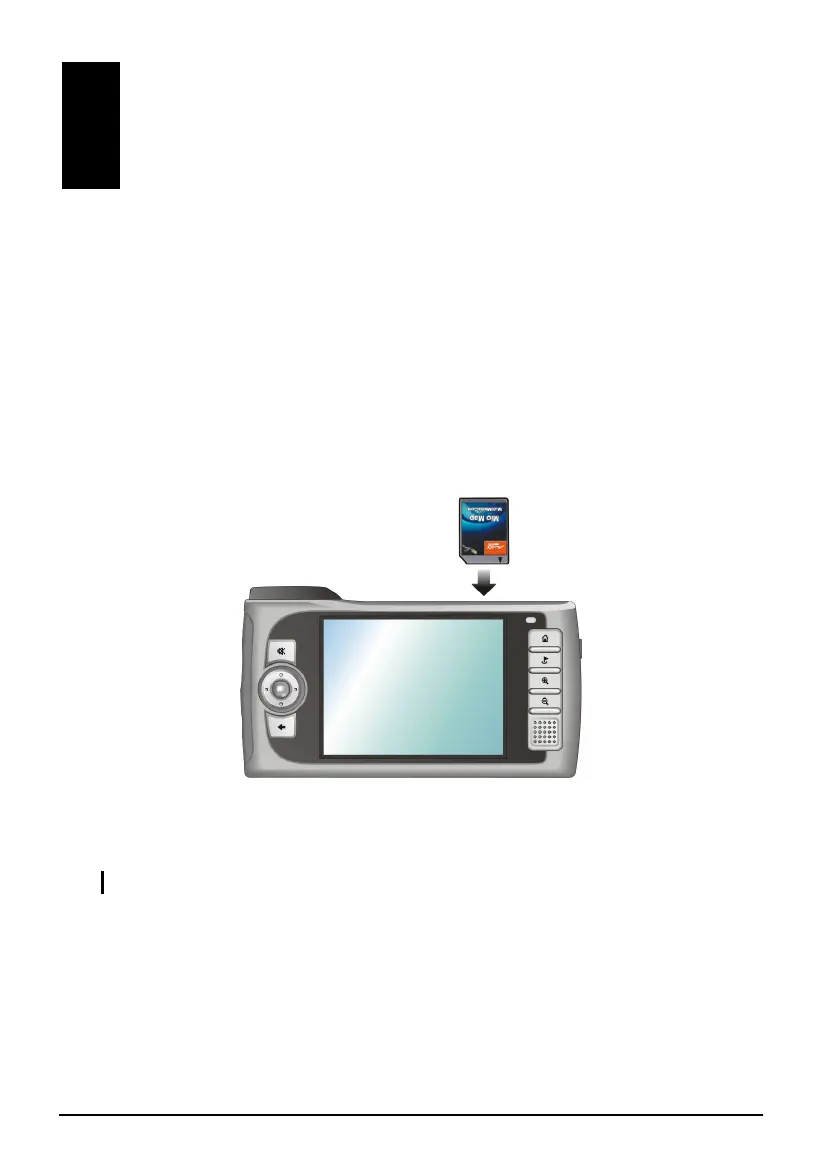
1. For Mio 268 Only: Insert the Mio Map card supplied with your device
before the initial start up.
2. Pull out the stylus and use it to slide the ON/OFF switch to the ON (right)
position.
CAUTION: Always leave the ON/OFF switch in the ON position for normal operation.
1



 To Next Page