NOTE: For Mio 268, when using the Navigation program for the first time, you need to
insert the storage card supplied with your device.
Ref Button Name Description See Also
X
Navigator
Starts the navigation program.
NOTE for Mio 268: Keep the Mio Map card
in the slot when using the navigation program.
Mio Map
User’s
Manual
Y
Music
Allows you to play the MP3 music. Chapter 4
Z
Tool
Allows you to use Contacts if you have
installed the programs from the Application
CD.
NOTE: The Contacts button is dimmed if the
programs are not installed.
Chapter 6
and Chapter
7
[
Setting
Allows you to customize the system settings
for your personal needs.
Chapter 3
2.2 Operating Your Device
You use the hardware buttons and/or the stylus to operate your device.
Using Hardware Buttons
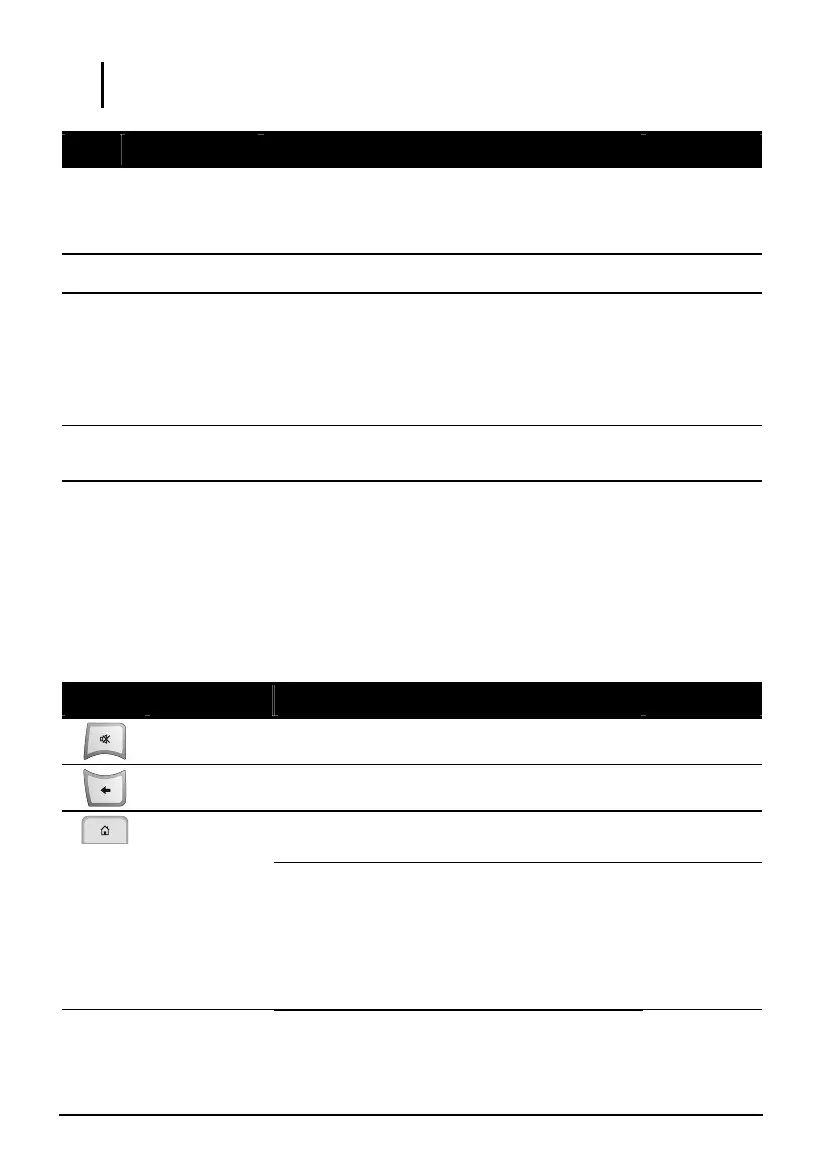
Button Name Description See Also
Mute
Toggles mute on and off.
Back
Goes back to the previous screen.
Not in Navigator:
Returns to the Home screen.
Section 2.1
Home
In Navigator:
Opens the Setting menu of the navigator
program.
- or -
Navigates to your home address if you have
set up the home address.
Mio Map
User’s
Manual
12



 To Next Page