2. The program will search for MP3 files in the storage card (Mio 268/Mio
269) or device hard drive (Mio 269). When MP3 files are detected, they will
be added to the play list.
NOTE: You can create your own play list for future playback. (See Section 4.4 for more
information.)
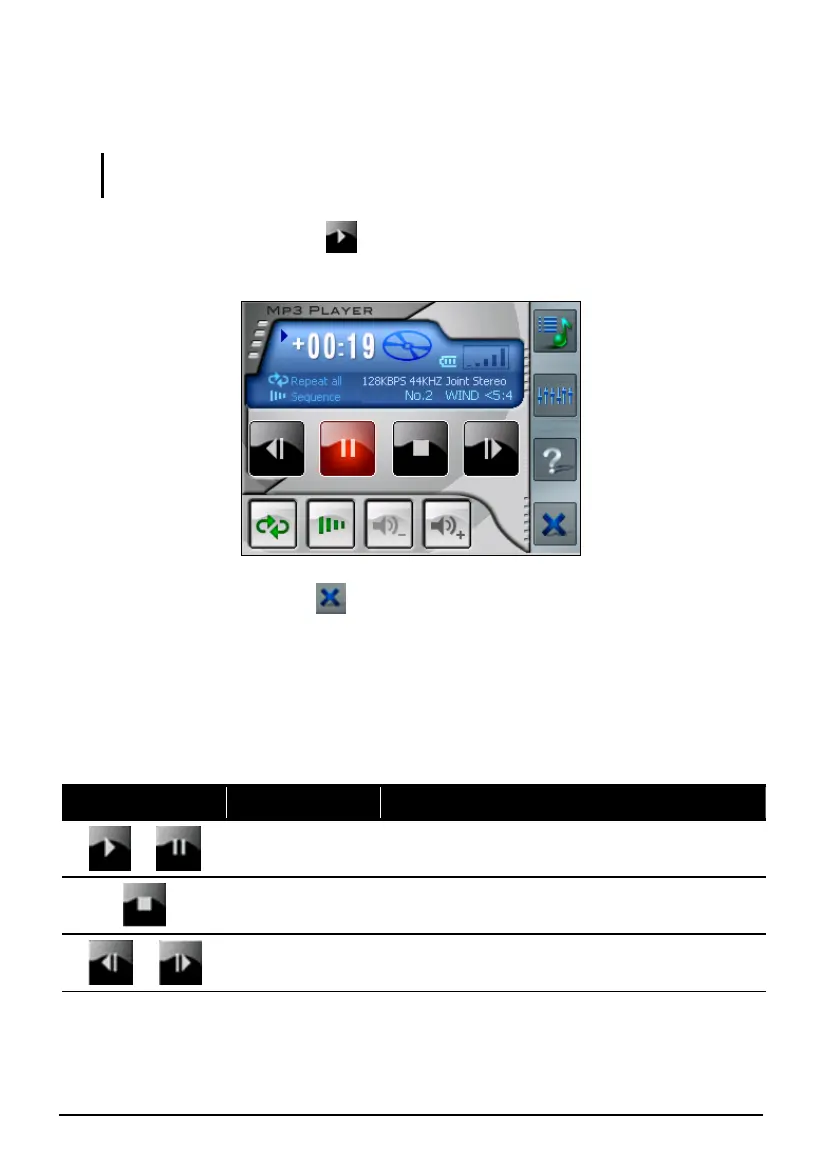
3. To start the playback, tap . To control the playback, use the control
buttons as described later.
4. To exit the program, tap
at the bottom of the toolbar. You will return to
the Home screen.
MP3 Playback Control
You can control the MP3 Player via control buttons. See the table below for
details:
Control Button Name Description
or
Play/Pause Plays or pauses the playback.
Stop Stops the playback.
or
Previous/
Next
Moves to the previous or next file.
29



 To Next Page