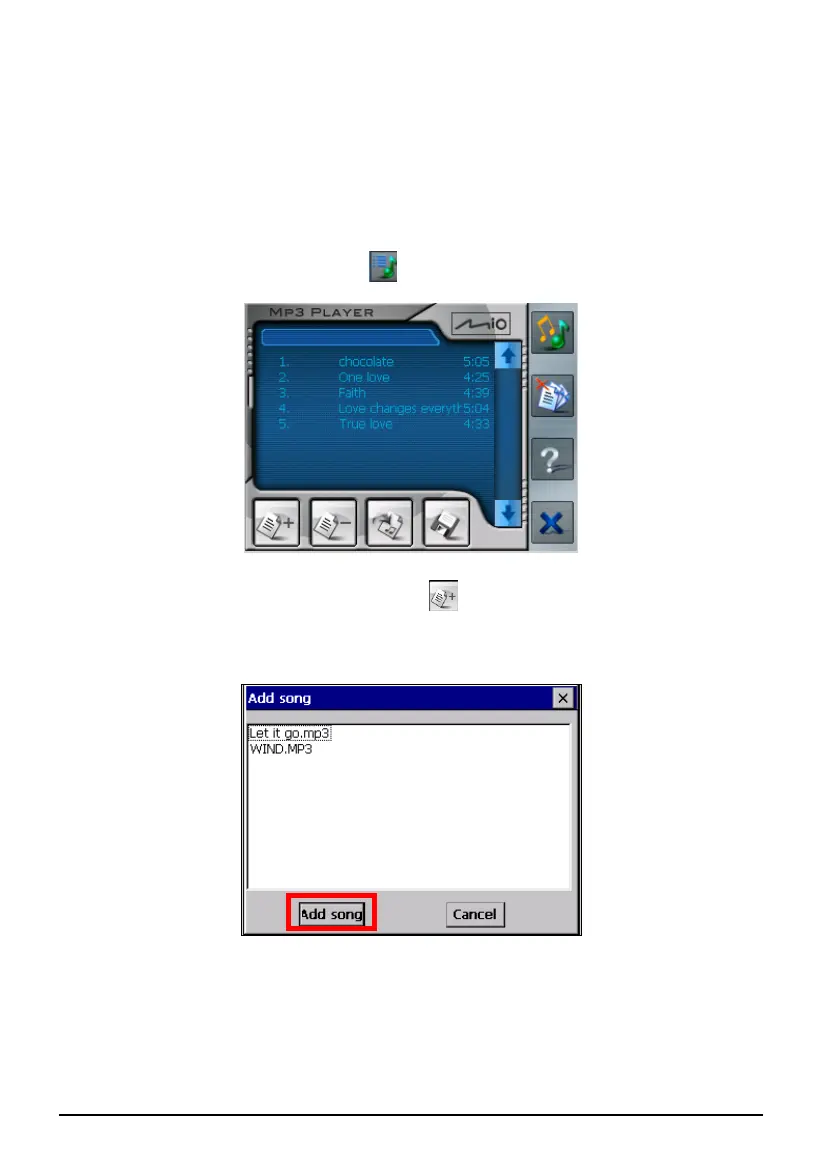
4.4 Using the Play Lists
By default the system will automatically load all MP3 files in the play list. You
can also create your own play lists for future use.
Creating a Play List
1. After starting MP3 Player, tap
on the right toolbar.
2. To add a song in the play list, tap the
Add Song button at the bottom of
the screen. A screen appears displaying all the MP3 files. Tap the song you
wish to add and then tap
Add Song.
3. Repeat the same procedure for the other songs to be added.
31



 To Next Page