5 Mio Transfer
This chapter tells you how to use Mio Transfer to transfer data such as MP3 files
or Contacts information from your computer to your device and recover the map
data and navigation software to your device.
5.1 Installing Mio Transfer
Mio Transfer is an application to be installed on your computer. Follow this
procedure to install the program:
1. Turn on your computer and insert the Application CD into the CD-ROM
drive of your computer.
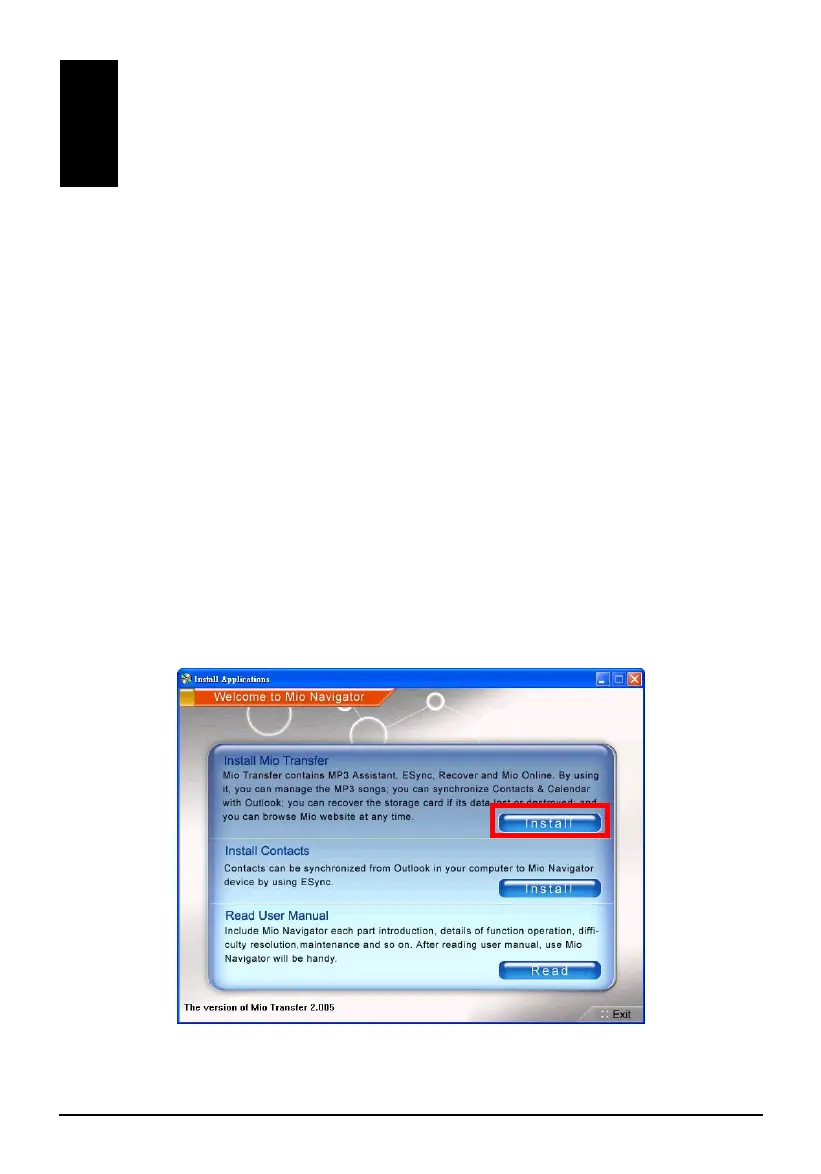
2. When the auto run screen appears, tap the
Install button in the Install Mio
Transfer section. (If the auto run screen does not appear, double click the
AutoRun.exe file on the CD.)
35



 To Next Page