PAN: Pan motion is done by holding the smartphone horizontally and moving it to
the left and right by holding down your finger on the PAN circle.
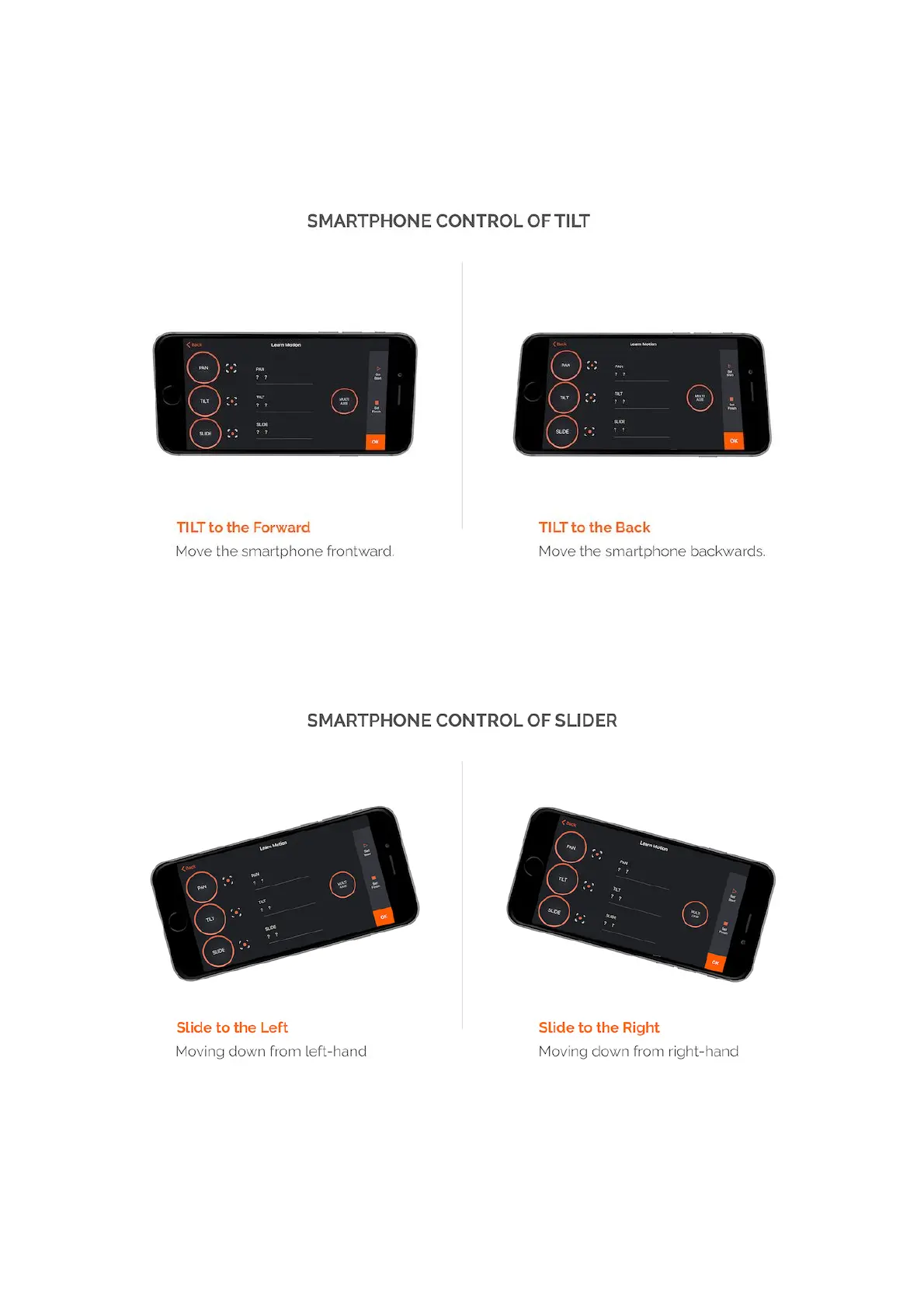
TILT: Tilt motion is done by holding the smartphone horizontally and moving it
back and forth by holding down your finger on the TILT circle.
SLIDE: Slide motion is done by holding the smartphone horizontally and moving it
up and down from the sides by holding down your finger on the SLIDE circle.
How does it works?



 To Next Page