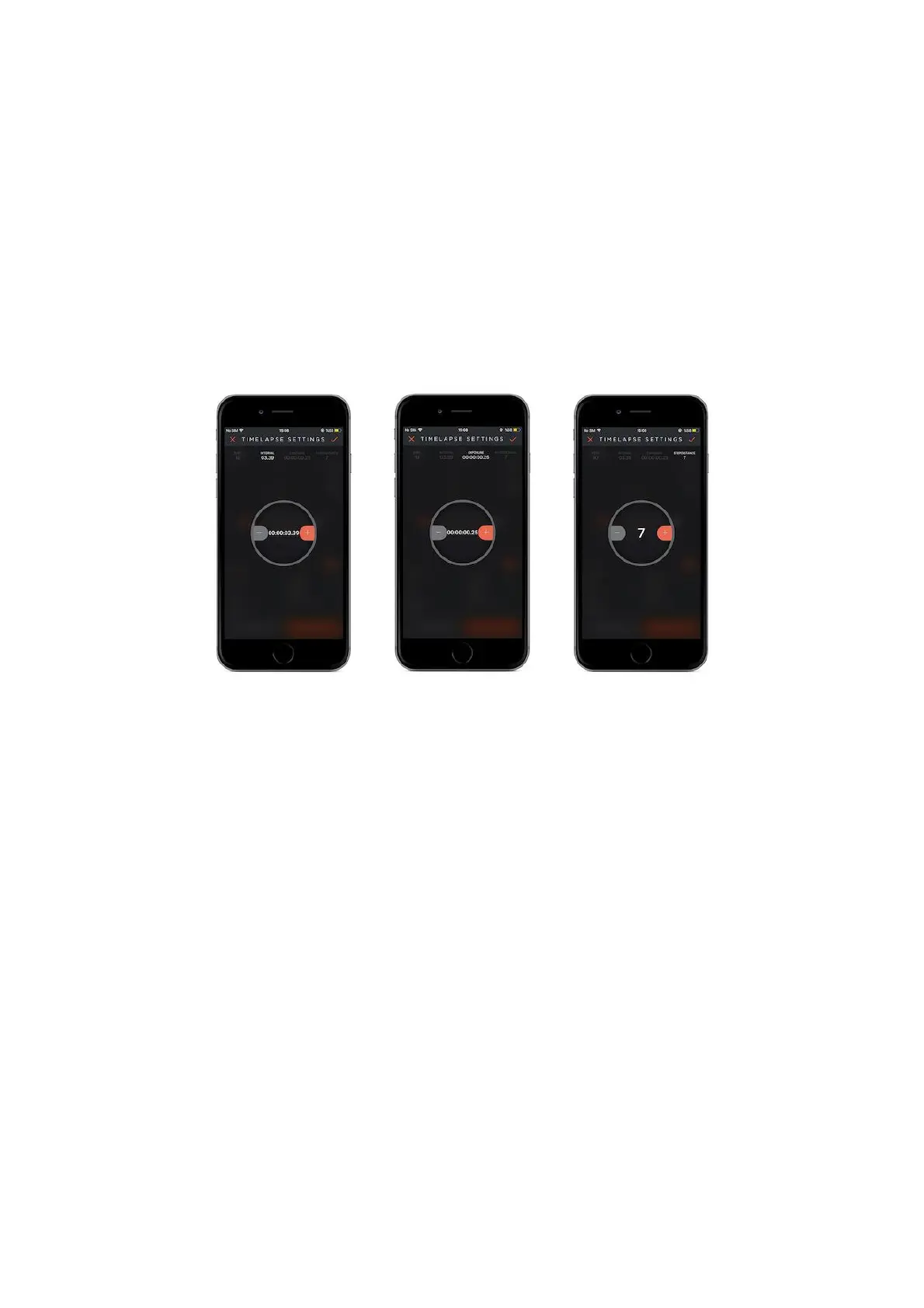
Step Distance : According to the step distance value that you specified for the
slider, mechanism will pause and take photographs. For instance, if you input the
step distance value as 7 for a slider that is 70 cms (70/7=10), 1 shot in every 7 cms,
in 10 steps 10 shots will be taken.
Step: Show how many times the Slider is going to pause and take shots according to
the step distance value.
How does it work ?
After you apply the parameters that belong to this mode, touch the start button
that is on the below right-hand side of the screen. While your camera is moving on
the SLIDER, it will pause and take one photo in every step distance that you
specified.
After you see the Slider’s length and direction, input the parameters that belongs
to this mode.
The shooting will start when you touch the start button on the right-below of the
screen.
10. SETTINGS:
You can use the settings menu to change application related or device related
settings or to get information.



 To Next Page