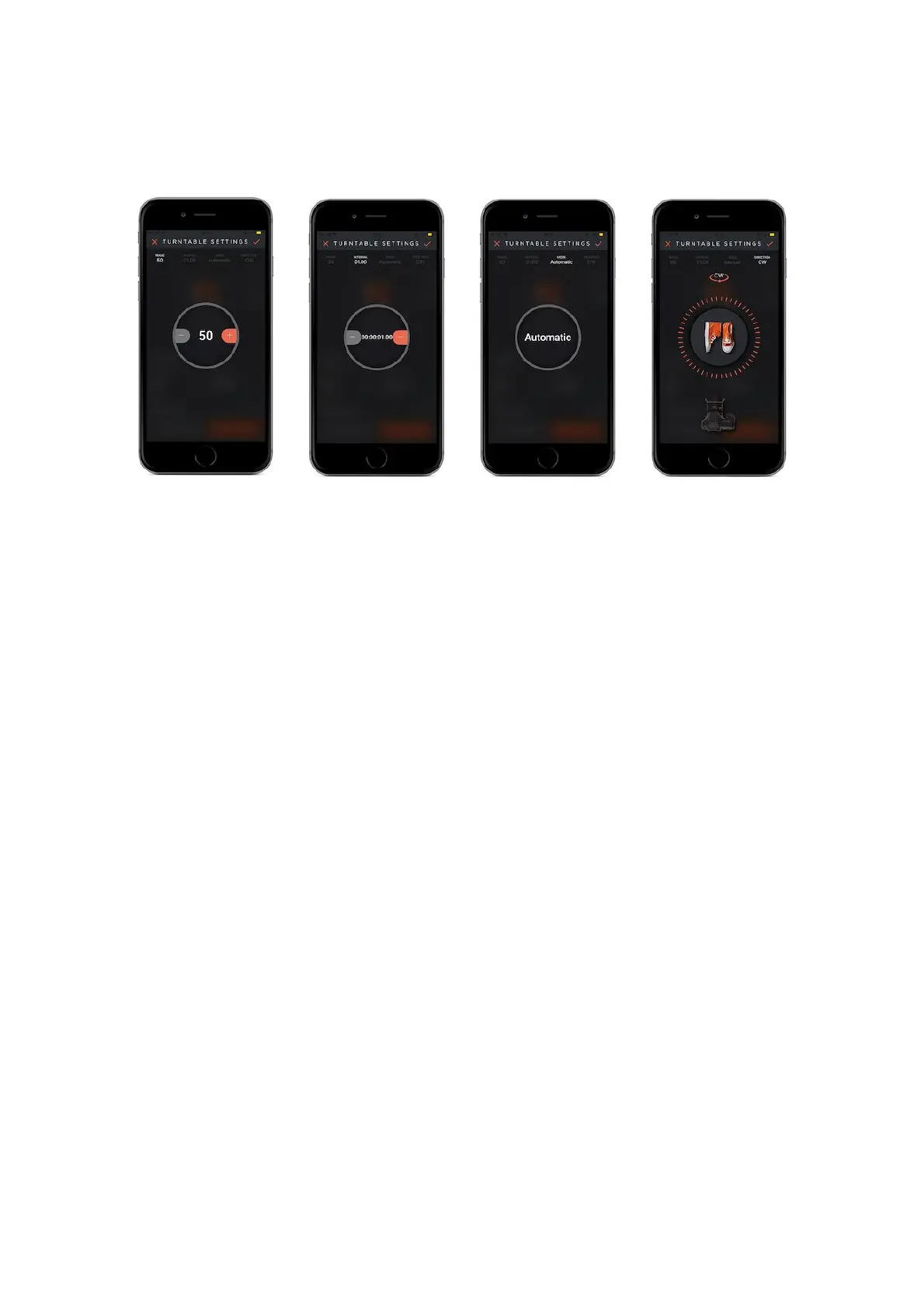
CW : Clockwise ( Your Capsule360 will turn in clockwise direction.)
How does it work?
Product photographs will be taken according to the frame numbers that you
specified while the camera makes the 360 degree turn. For instance if you input
the frame value as 60 (360/60=6), from 6 different angles you will obtain 6
different product photographs.
9.9. Multi-Row Panorama
Panoramic Photography is capturing images on a wider format, so as to include
much more than what eyes can see naturally from a point.
To capture a panoramic image, a larger width-height ratio is needed. Thus you will
achieve an unobstructed, wide outlook.
Panoramic Photography helps us to capture images that are in very wide angles so
that it includes more than our eye’s sight range.
With its rotating property, Capsule360 enables us to get 360 degree images. Via a
photo editing software you can combine all of the images together and attach them
to each other to create a panoramic image.



 To Next Page