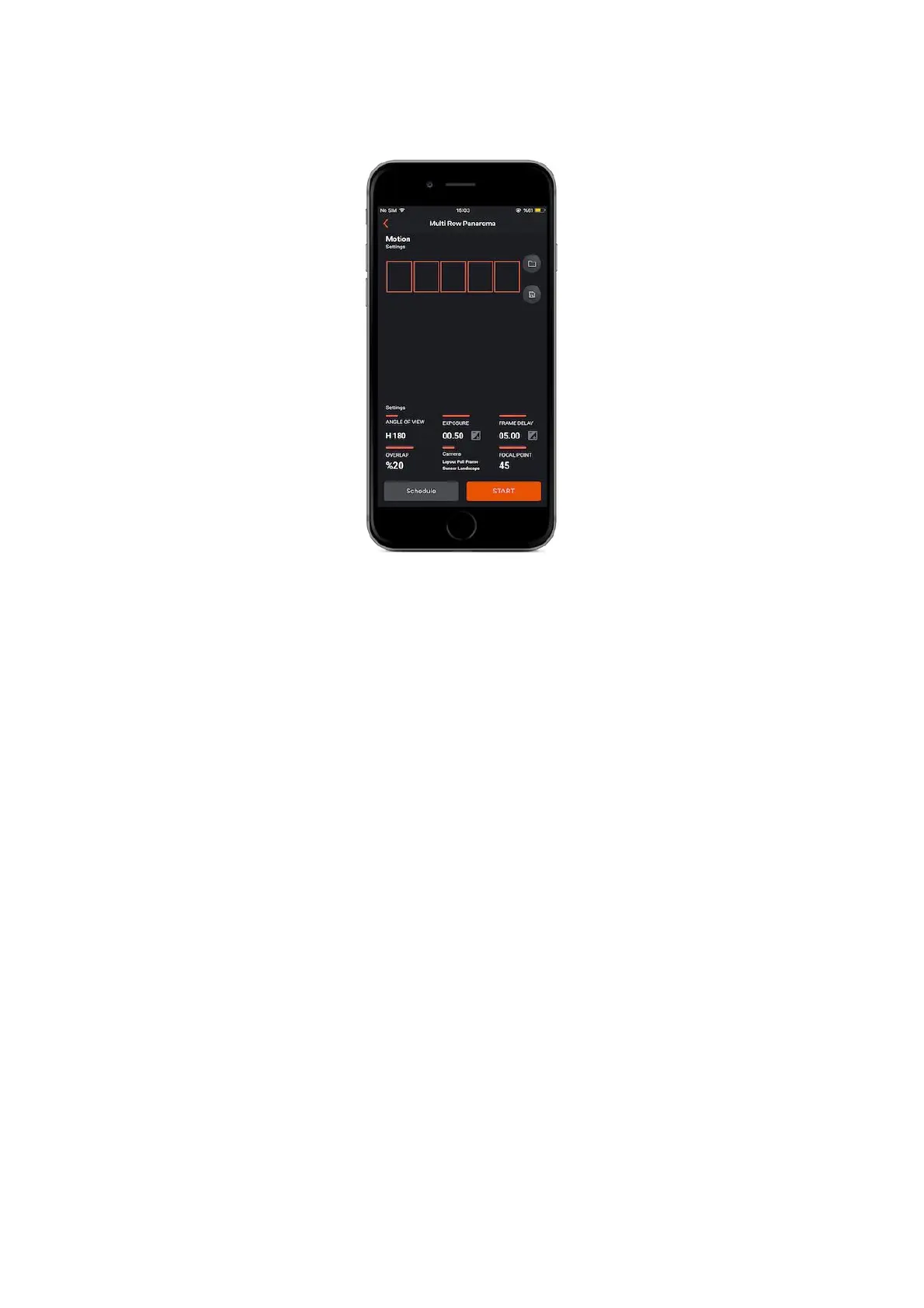
Angle of view : The term “angle of view” represents the angular extent of the
given location that is imaged by the camera.
If you are aiming to take a multi-panorama shot, you should adjust the “angle of
view” values given below separately.
Width
Horizontal degree ( This mode should be selected if you are going to shoot with the
camera in landscape mode. )
Height
Vertical degree ( This mode should be selected if you are going to shoot with the
camera in portrait mode. )
Overlap : Determines how similar will be the photos’s areas which will be stitch
through the whole panorama shot. Overlap value represents the defined area of
right-side of the first shot that will be stitch with the defined area of left-side of
the second shots.
Exposure : This value defines the exposure value for each photo. You can set a
custom exposure up to 100 hours in milliseconds.



 To Next Page