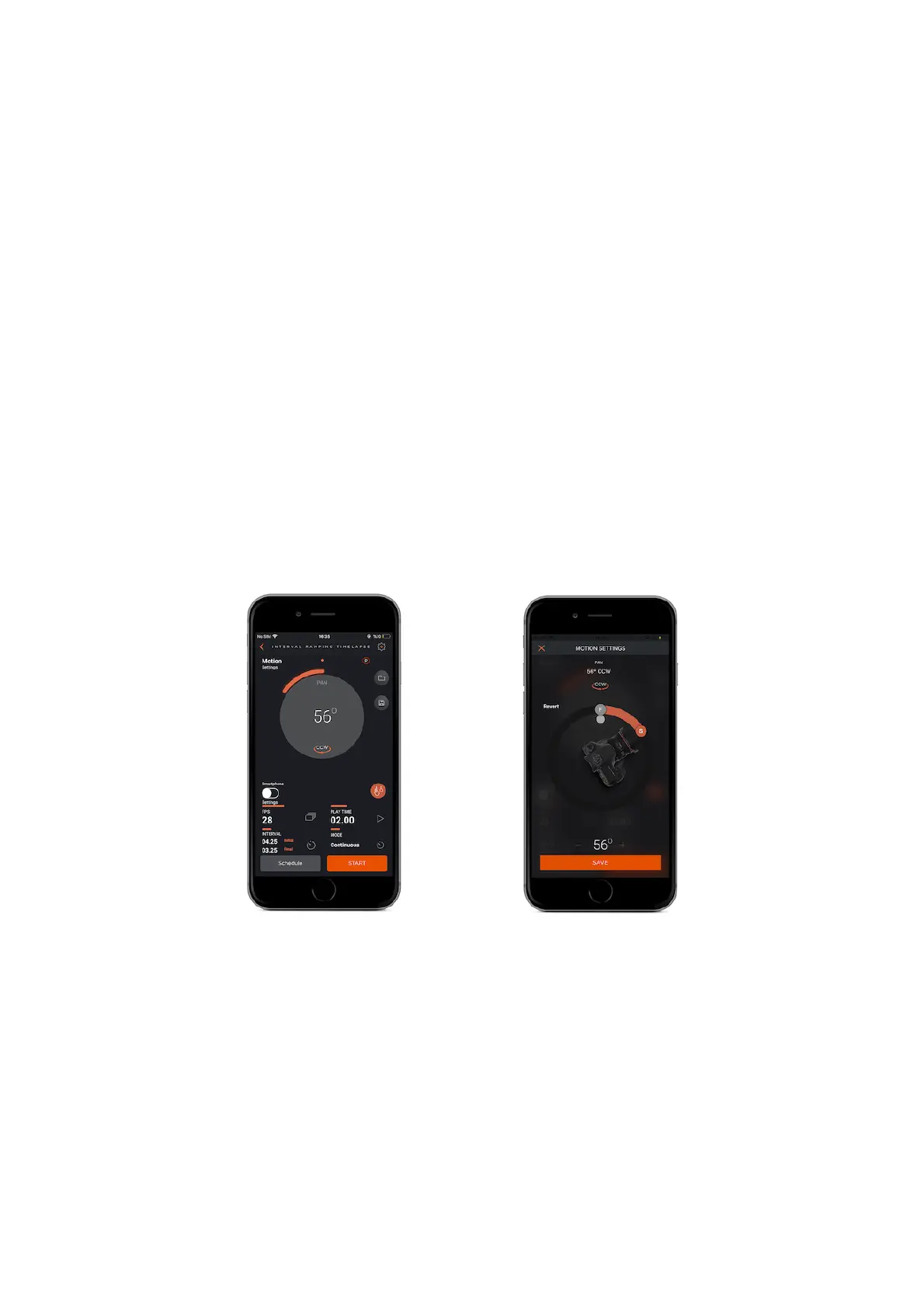
9.4. Interval Ramping Timelapse
The Interval Ramping Timelapse lets you ramp the interval so you have control to
change the interval over time . This mode has six parameters:
PAN : Set the angle of turning value by swiping your finger under the circle on the
screen. You can choose start ( S ) and finish ( F ) point by using S an F buttons.
Before you start shooting, if you want to control shooting area of your camera, you
can use the grey button inside of the PAN circle.
CCW : Counterclockwise ( Your Capsule360 will turn in counterclockwise direction.
)
CW : Clockwise ( Your Capsule360 will turn in clockwise direction )
Initial Interval : This value defines the initial interval value for starting to
shooting.
Final Interval : This value defines the final interval value to end of shooting.
Frames Per Second (FPS) : This parameter defines how many pictures are to be
taken in one second. If you set the frame number to 0, this will mean that the



 To Next Page