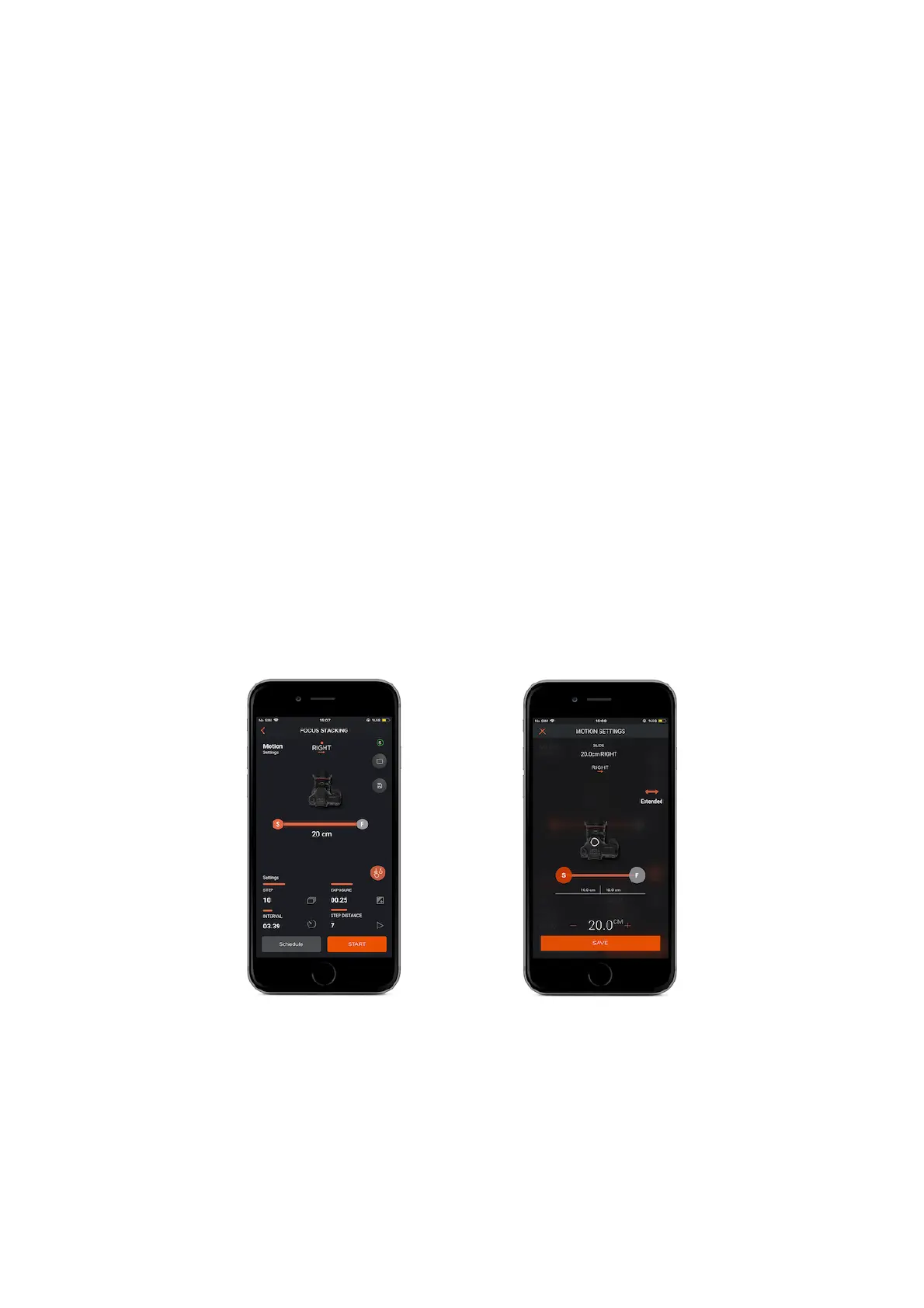
9.12. Focus Stacking
Warning : This is slide available through a slide device.
Focus stacking is a method where multiple photos are captured at slightly different
focal positions and these photos are merged together to form a single image using
only the focused areas of each of them.
Parameters should be entered via connecting to the slider.
Slide: Allows you to control Slider’s movement length and direction. When you
touch the camera icon or the orange line at the top of the screen, the menu that
you will input the slide value will appear.
Right - Slide Option
Input the value of how many centimeters to the right you want the slider to go and
touch the save button.
Left - Slide Option
Input the value of how many centimeters to the left you want the slider to go and
touch the save button.
Interval : This parameter defines the duration between each frame. The Interval
can have a value from 13 milliseconds up to 100 hours.
Exposure : This value defines the exposure value for each photo. You can set a
custom exposure up to 100 hours in milliseconds.



 To Next Page