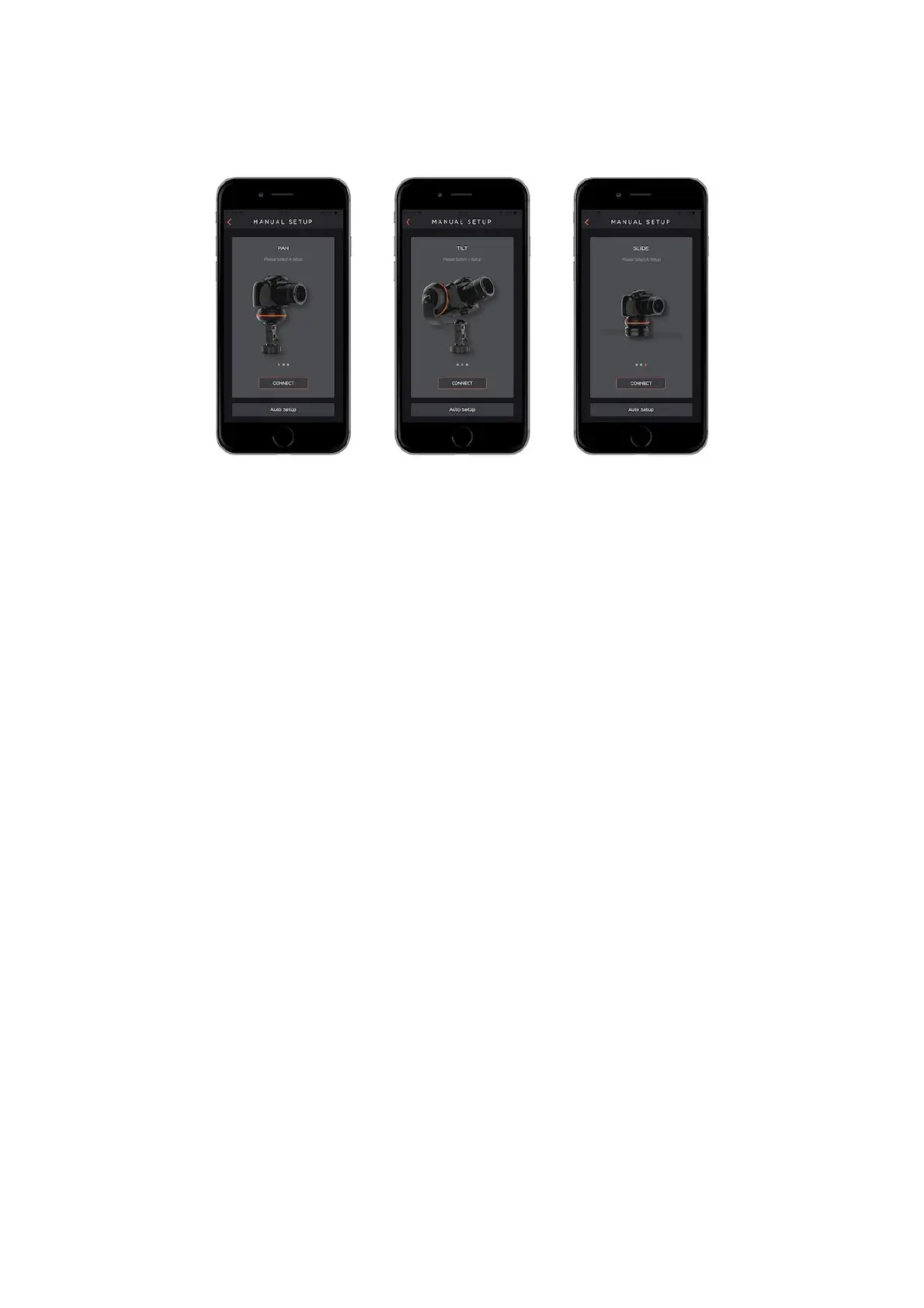
PAN: If you want to control your Capsule360 horizontally, choose the “PAN” mode.
TILT: If you want to control your Capsule360 vertically, choose the “TILT” mode.
SLIDE: If you want to control your Capsule360 on the slider, choose the “SLIDE”
mode.
8.1 Smartphone Camera Control
Place your smartphone to the smartphone holder to place it to your Capsule360.
Your smartphone will be activated for the photoshoot when;
1- You choose the shooting mode that you will use.
2- You enter the data for the parameters of the mode.
3- You touch the smartphone notch that is placed on the left-hand side of the
screen.
4- Finally, you touch the start button that is placed on the below right-handside of
the screen.



 To Next Page