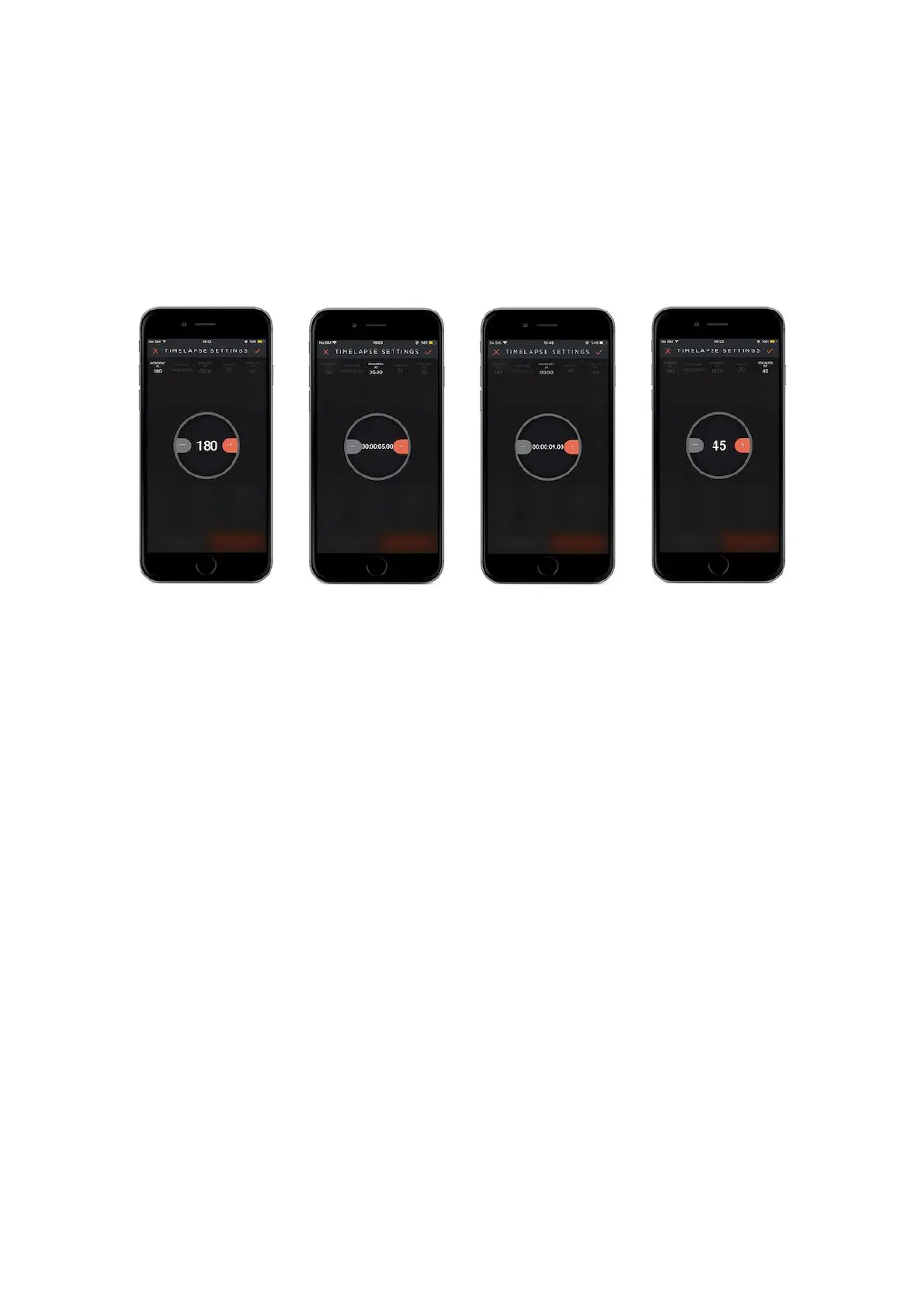
Frame Delay: The time that has passed from the time when the camera finishes
the exposure, to the time when the camera processes the photographs and shows it
to you is called “frame delay”.
Camera Sensor : Enter the your camera`s sensor type.
Landscape
Should be chosen if the camera will be used vertically.
Portrait
Should be chosen if the camera will be used vertically.
Focal Point: The zoom value that is expected from the camera to perform in must
be set.
Warning: The camera cable must be connected to the PAN device during Multi-
Row Panorama.
9.10. Remote Controller
In this mode, you can control the PAN, TILT and SLIDE motions by manually moving
your smartphone in certain ways. Complete the first movement by touching ( You
must keep touching until the movement is complete. ) the PAN circle and then
touch “first move” that is on the right-hand side of the screen. After you complete



 To Next Page