the second move, touch the “last move”.
You can control the motions of multiple devices at the same time.
Pan: Pan motion is done by holding the smartphone horizontally and moving it to
the left and right.
Tilt: Tilt motion is done by holding the smartphone horizontally and moving it back
and forth.
Slide: Slide motion is done by holding the smartphone horizontally and moving it up
and down from the sides.
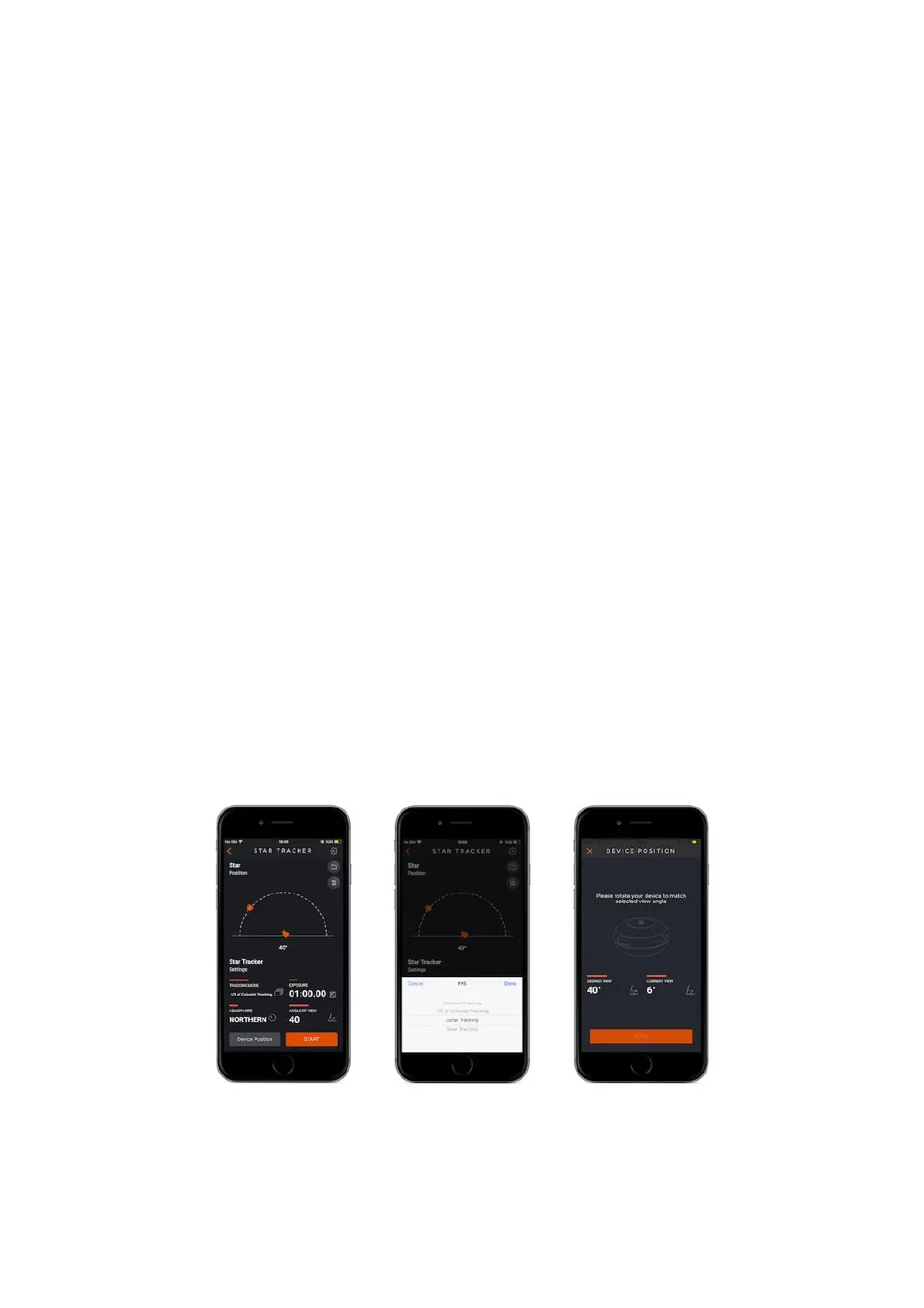
9.11. Star Tracker
With your Capsule360 you can capture the sun, the moon, the stars and the milky
way in high resolution. When you input your necessary settings properly,
Capsule360 will follow the stars in high precision and make you able to catch the
best moments.
Tracking Mode: Choose one of the options for tracking, such as; Celestial Tracking,
½ of Celestial Tracking, Lunar Tracking, Solar Tracking.
Exposure : This value defines the exposure value for each photo. You can set a
custom exposure up to 100 hours in milliseconds.



 To Next Page