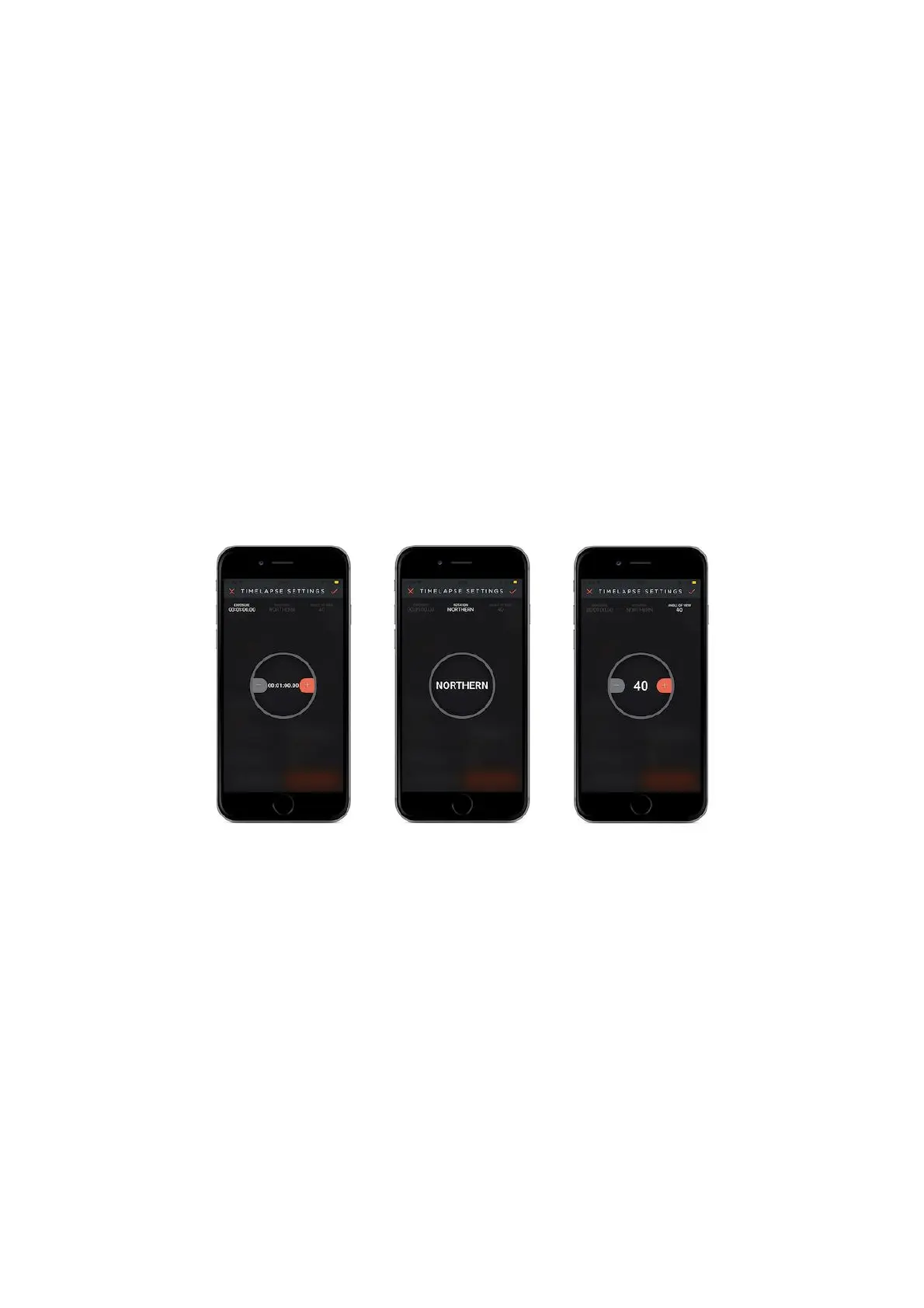
Hemisphere: Select if your location stays on the Northern or Southern side of the
Pole Star.
Angle of view: The angle between your location and the location of the pole-star.
How does it work?
First you align your Capsule360 with the axis rotation of the earth. After the
setting, Capsule360 will turn in the reverse direction of the earth’s motion and
follow the star. This prevents the star trail effect and at the same time, since it
does long exposure it gathers more light into the lens and allows the photo to be in
high definition.
9.11.1 Polar Alignment
First level the tripod, it should be leveled accurately otherwise you would not be
able to follow the object precisely. Now use a compass or your smartphone's
compass to find the north direction. Set your tripod screw in a way that is facing
north and put the Capsule360 to your tripod. We need to align (turn) the screw of
Capsule360 with the Pole star or Polaris. You can find the Polaris by using
Capsule360 mobile app provides you angle of view automatically or you can enter it
manually. The angle of view is calculated based on your location. Tap to "device
position" button and set to position of Capsule360 by changing the angle of dip.
Finally, you must fine-tune on the position of Capsule360 manually to make Polar
Alignment.
Warning: After the completion of all steps, you can take long exposure but don't



 To Next Page