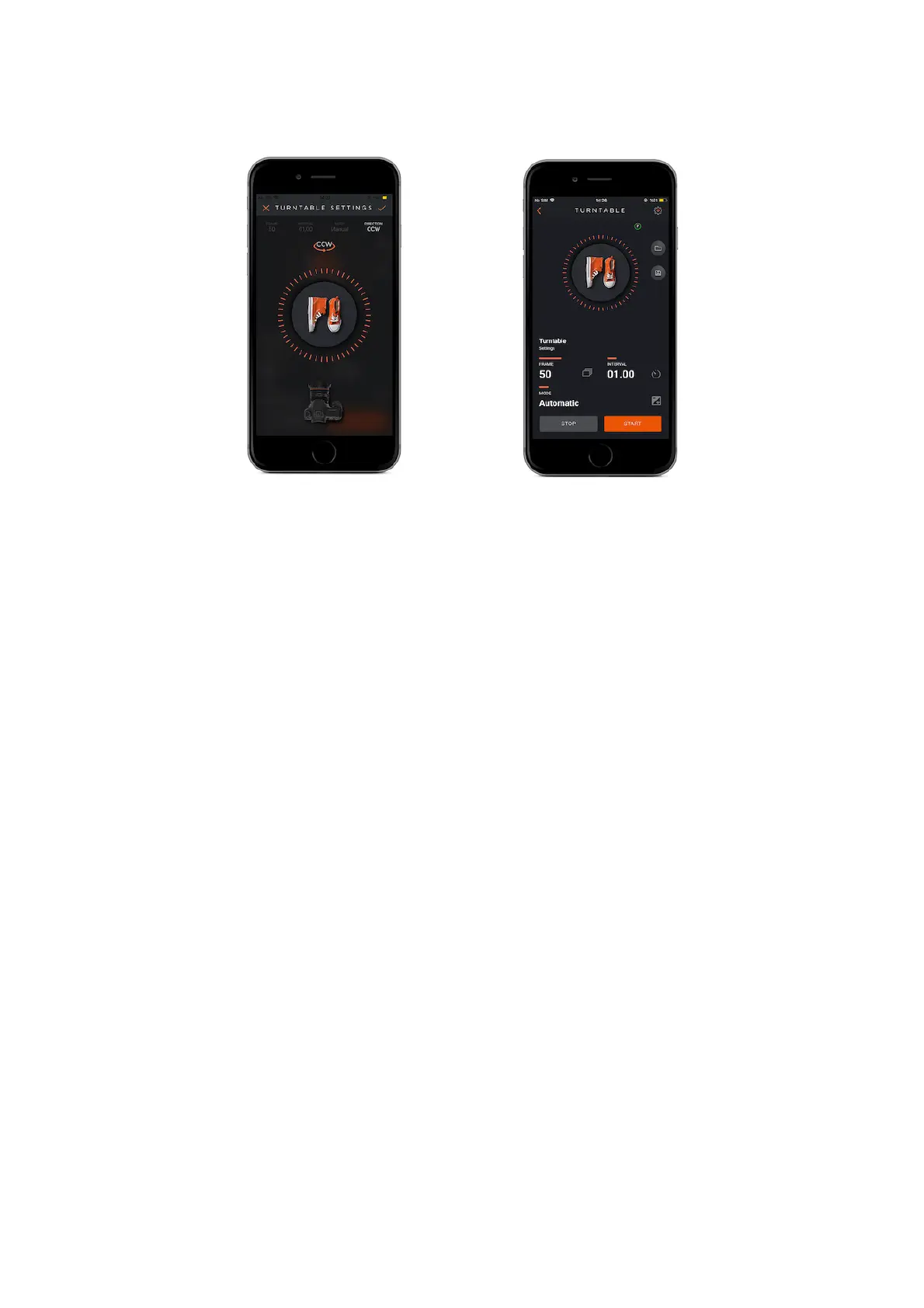
Mode: There are three mode options to set as Manuel, Automatic and Smartphone.
Manuel
You can manually press your camera’s hot shoe and take a photo when your slider
pauses according to the frame numbers that you specified.
Automatic
In this mode via using MIOPS Mobile Dongle, you will ensure that your camera is
triggered. You can manually press your camera’s hot shoe and take a photo when
your slider pauses according to the frame numbers that you specified.
Smartphone
In this mode when your slider pauses according to the frame numbers that you
specified, your smartphone camera will take shots automatically.
Direction : It helps you to control the rotation direction of the Turntable.
CCW : Counterclockwise ( Your Capsule360 will turn in counterclockwise direction.)



 To Next Page