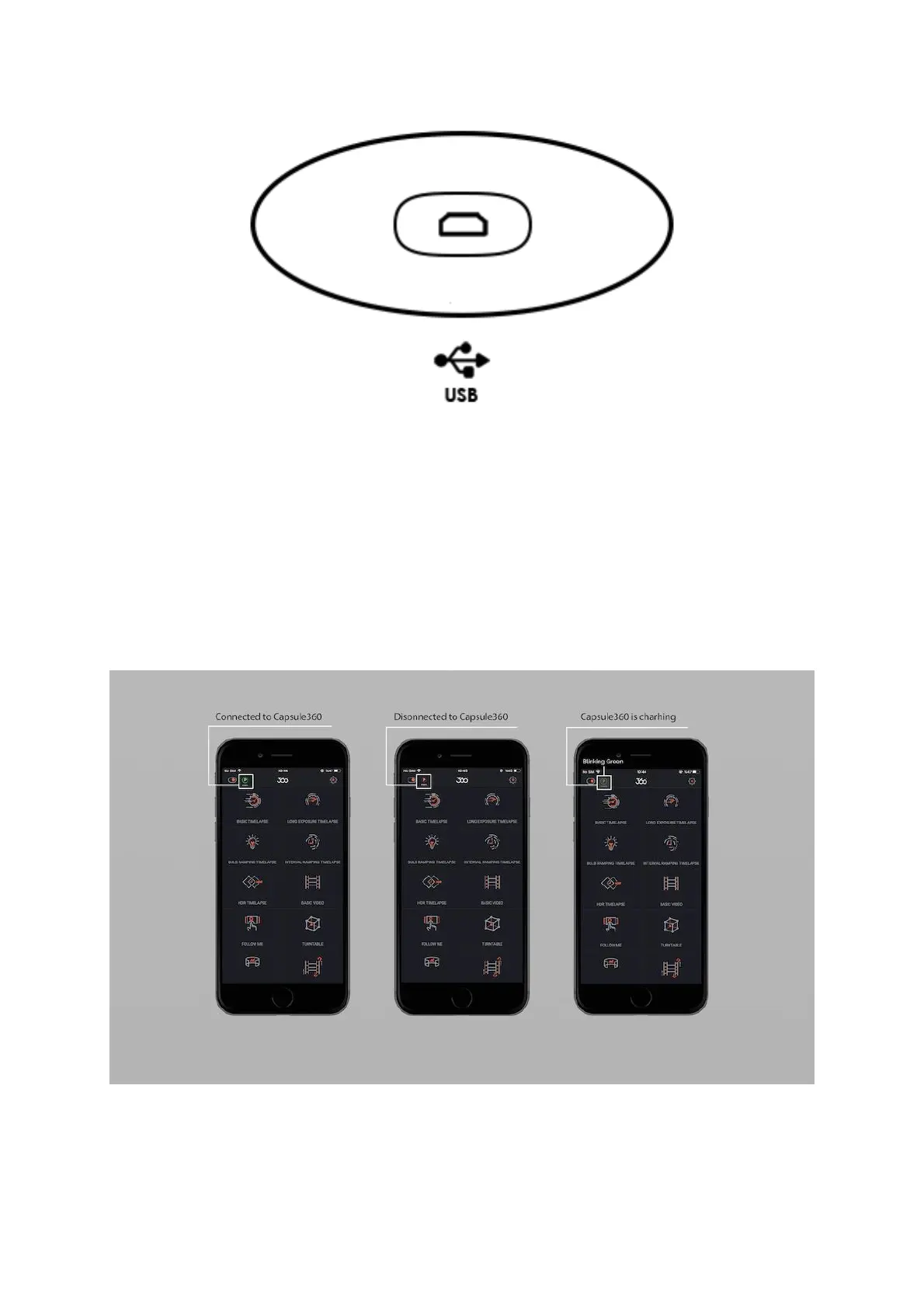
When you plug your Capsule360 in for charge, you will see the blinking green icon
on the top left side of the app screen that shows the device is charging. Depending
on the type of the device you are connected to, you will see a letter in the circle.
Letter “P” is for the Capsule360 (PAN), letter “S” is for the SLIDER, letter “T” is
for the TILT.
Stable green circle:Your device is connected.
Stable red circle: Your device lost connection.
Blinking green circle: Your device is charging.
P letter inside the circle: PAN



 To Next Page