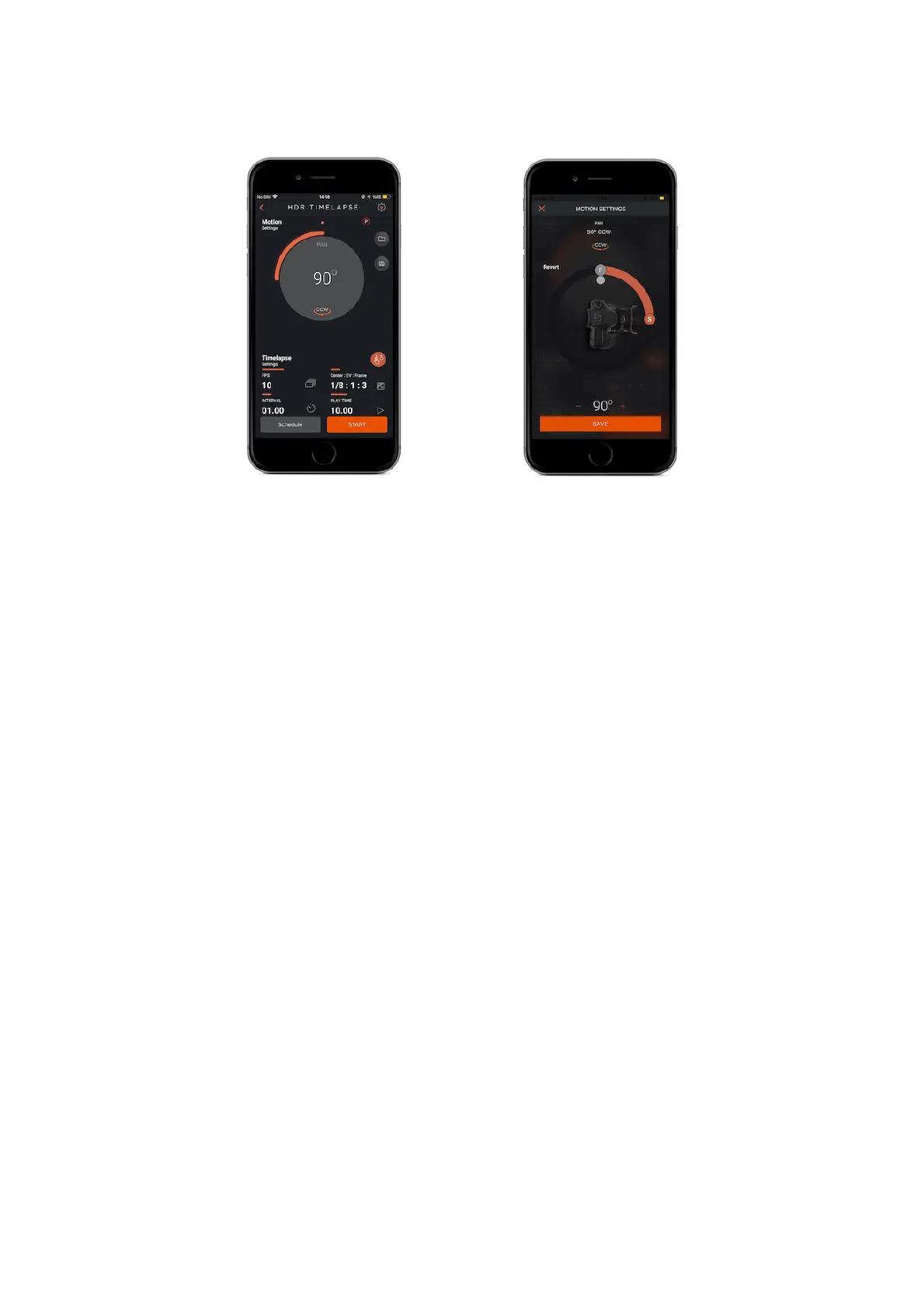
Frames Per Second (FPS) : This parameter defines how many pictures are to be
taken in one second. If you set the frame number to 0, this will mean that the
time-lapse will continue until you stop it.
Interval : This parameter defines the duration between each frame. The Interval
can have a value from 13 milliseconds up to 100 hours.
Center : This parameter shows the exposure value that will sit in the middle of the
sequence.
EV(+-) : This parameter shows how many stops each change will be.
Frame : This parameter shows how many pictures are to be taken for an HDR
photo.
Play Time : Enter the total time value of final video which you want to create.



 To Next Page