3. Getting Started
MiR Fleet PC Getting Started (en) 08/2020 - v.1.4 ©Copyright 2019-2020: Mobile Industrial Robots A/S. 11
3.1 Updating robot software
MiR continuously updates the software the robots use, either to fix issues, to improve
existing features, or to introduce new features. Each software release is issued with a
release note explaining the content of the update and its target audience.
NOTICE
When updating a MiRrobot with an attached hook, the hook software must be
updated first to ensure that the robot is compatible with the hook when
uploading the software.
Contact your distributor for the latest update file.
Follow the steps below to update your robot software:
1. Connect your computer to the WiFi of the robot you want to update, and sign in to the
robot interface.
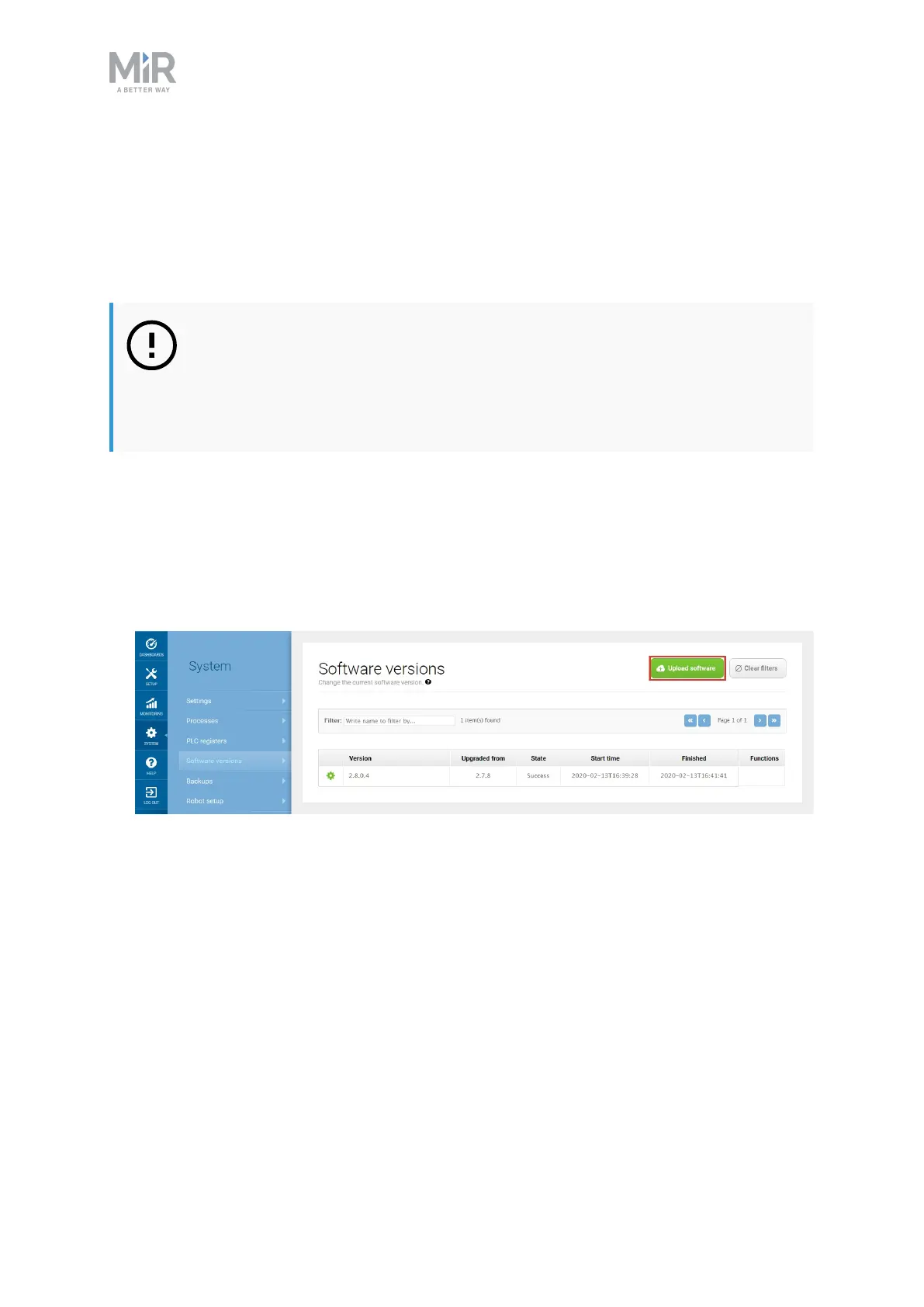
2. Go to System > Software versions and select Upload software.
3. Locate and select the downloaded software package. It may take a few minutes for the
package to successfully upload.
4. Once the software is uploaded, turn the robot off and then on again.



 To Next Page