4. Commissioning
MiR Fleet PC Getting Started (en) 08/2020 - v.1.4 ©Copyright 2019-2020: Mobile Industrial Robots A/S. 43
4.10 Setting up the fleet robots for collision
avoidance
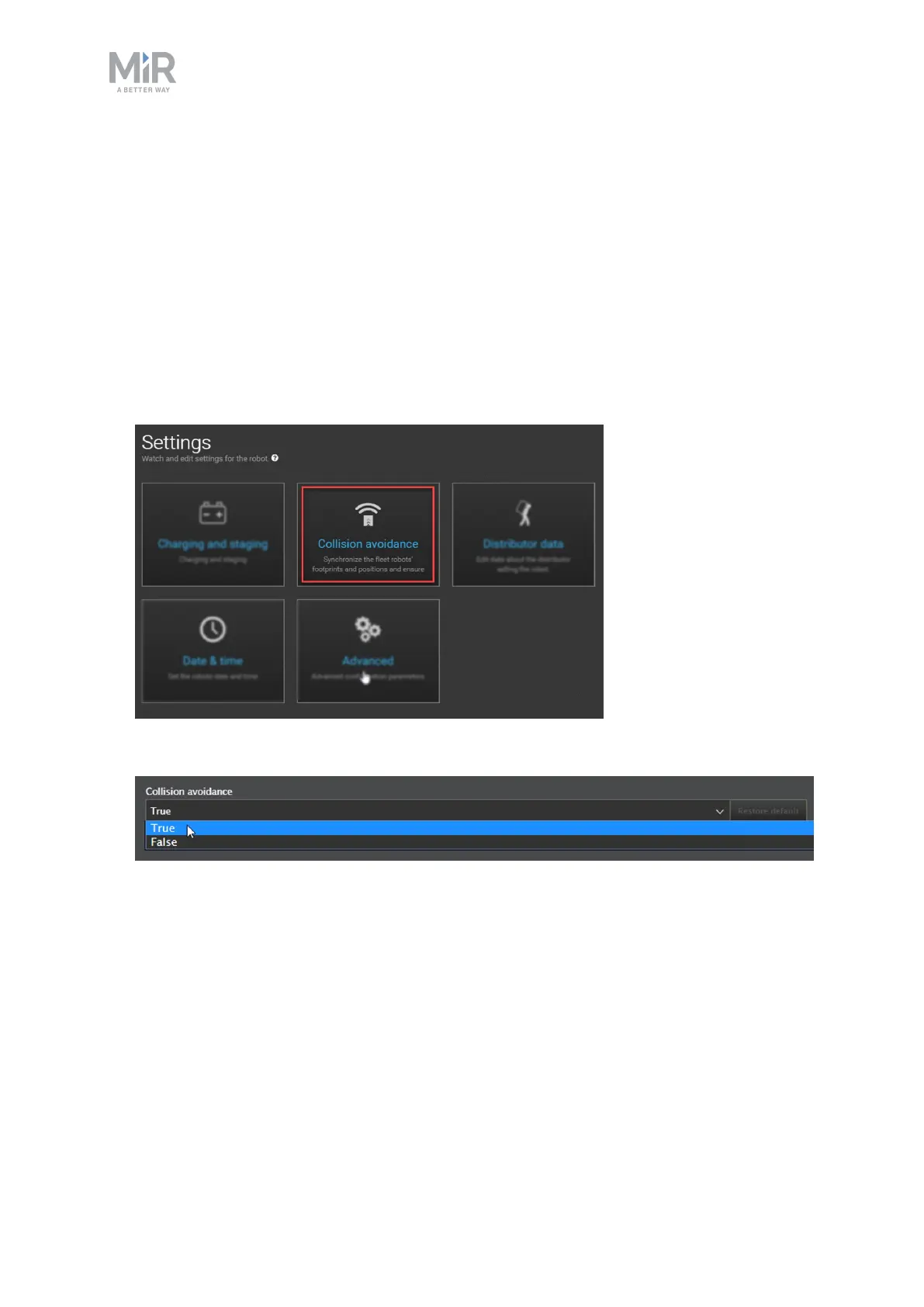
Enabling collision avoidance synchronizes the footprints and positions of the robots
connected to fleet, ensuring that the robots do not collide with each other. This setting is
disabled by default.
Follow these steps to enable collision avoidance:
1. Go to System > Settings and select Collision avoidance.
2. Check that Collision avoidance is set to True.



 To Next Page