4. Commissioning
MiR Fleet PC Getting Started (en) 08/2020 - v.1.4 ©Copyright 2019-2020: Mobile Industrial Robots A/S. 24
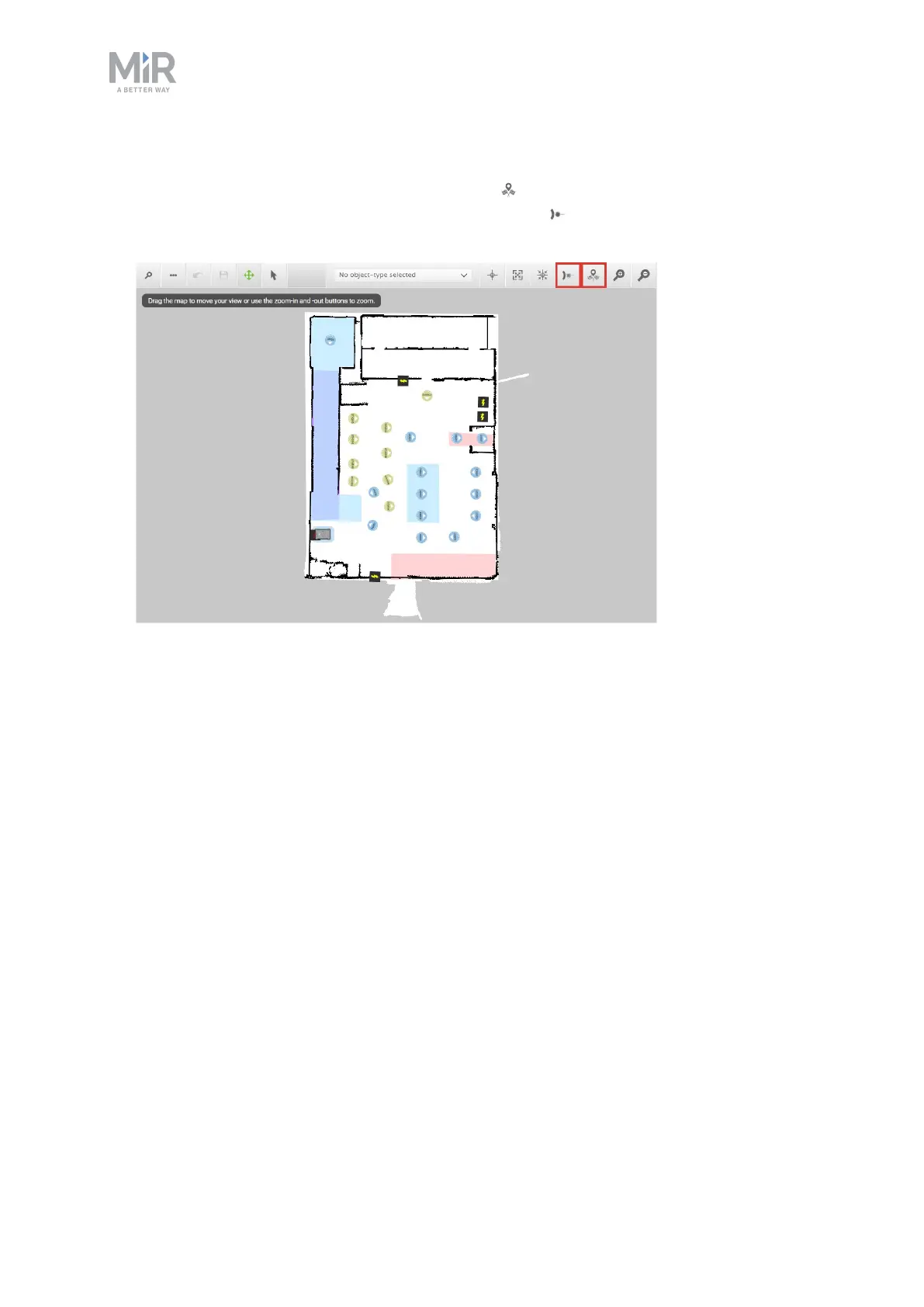
6. If the robot is not correctly positioned on the map, open the map editor, and position the
robot correctly using Set robot's start-position to approximately place the robot
correctly on the map and using Adjust robot position to adjust the position until the
red lines align with the black wall lines.
7. Sign out of the robot interface once the robot is correctly positioned on an active fleet
map. We discourage further use of the robot interface.
4.3 Importing a site file
If you notice that some of the site data created on your model robot is missing after you
added your robots to MiR Fleet, import the backup site file you exported from the robot
before adding it. If all of the data appears to have synchronized correctly, you do not have to
import the backup site file.



 To Next Page