3. Getting Started
MiR Fleet PC Getting Started (en) 08/2020 - v.1.4 ©Copyright 2019-2020: Mobile Industrial Robots A/S. 15
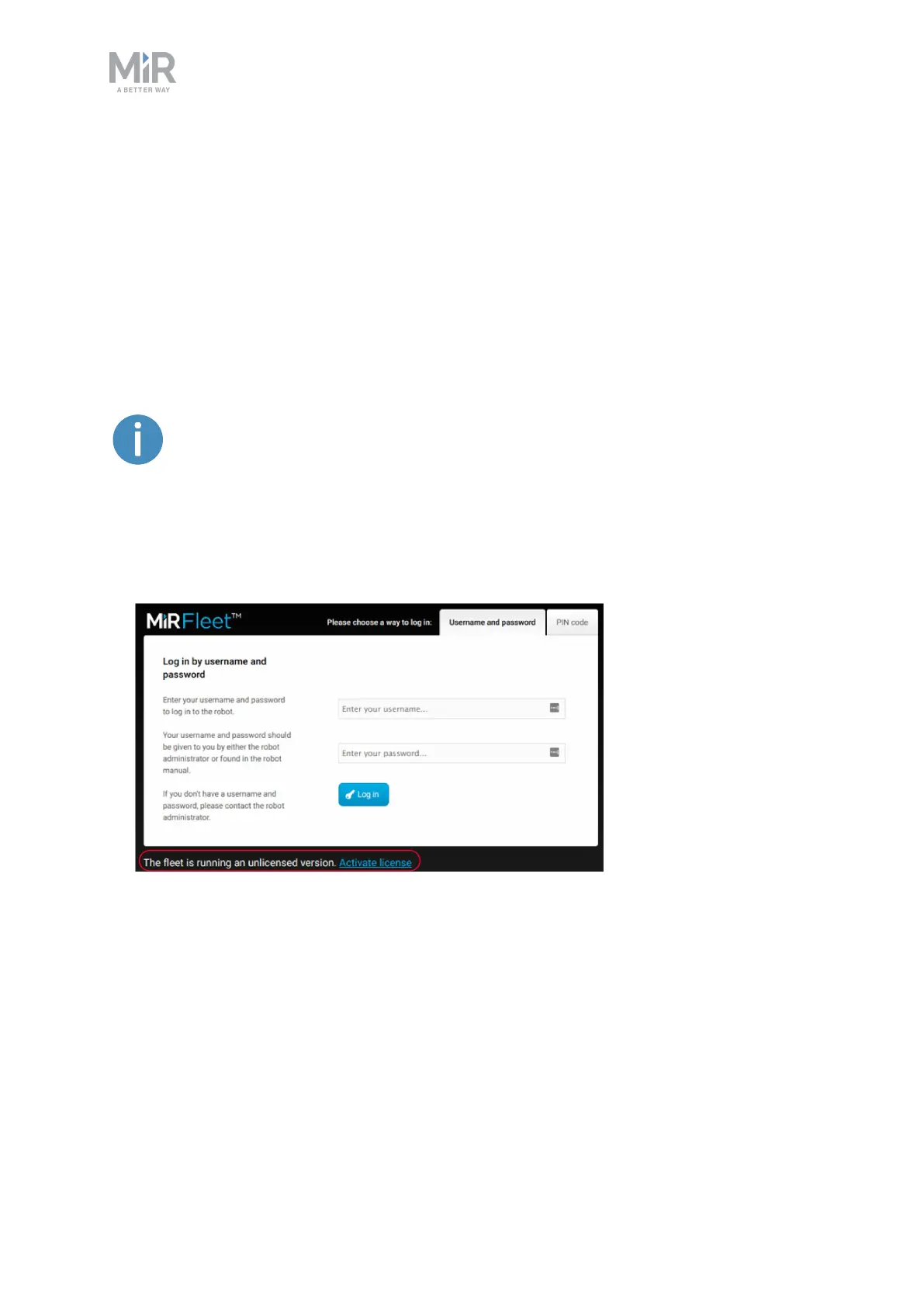
The first time you sign in, you will be asked to provide your License ID and your License key.
Both are provided in package you received with your MiR Fleet PC. To activate your license
see Installing and activating your fleet below.
3.5 Installing and activating your fleet
You are now ready to activate the MiR Fleet interface. It is only necessary to activate your
license the first time you sign in to MiR Fleet.
After activation, the license is tied to the hardware of the host and can only
run on that host. If you want to change the host, the license can be deactivated
from its current host and re-activated on a new one. Please contact MiR
Support for assistance.
You can activate the license both online and offline by following these steps:
1. Go to the MiR Fleet sign in page, and select Activate license.



 To Next Page