4. Commissioning
MiR Fleet PC Getting Started (en) 08/2020 - v.1.4 ©Copyright 2019-2020: Mobile Industrial Robots A/S. 35
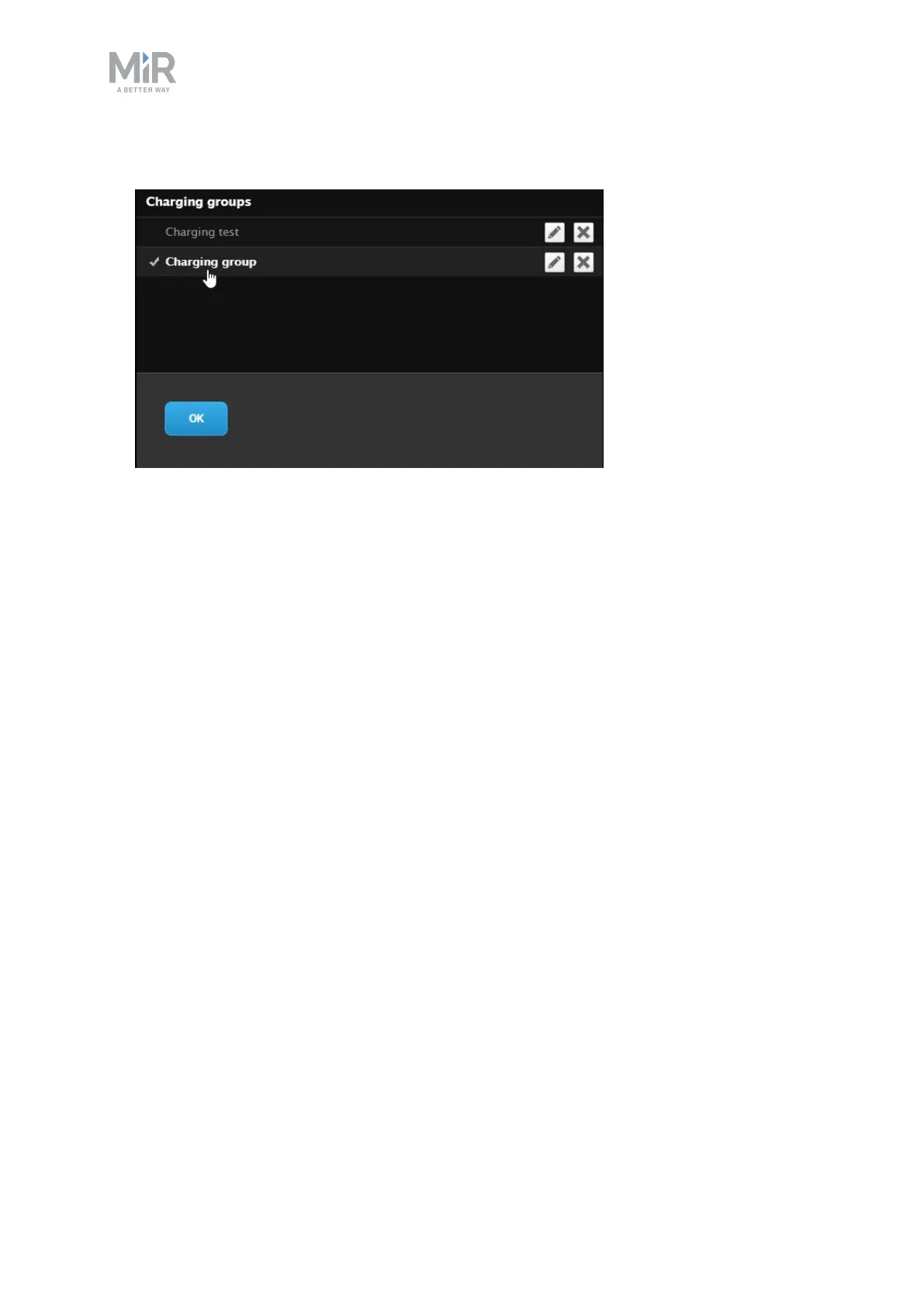
6. Select the charging group you want to assign the robot to by clicking on its name.
4.7 Setting up elevators
Elevators must be controlled using a PLC that either has its own IPaddress, is connected to a
WISE module to work with MiR robots, or can be controlled through an OPCUAserver.
Contact your distributor for more information or for the following guides related to
elevators:
• How to set up elevators in MiR Fleet
• How to set up an OPC UA elevator server



 To Next Page