4. Commissioning
MiR Fleet PC Getting Started (en) 08/2020 - v.1.4 ©Copyright 2019-2020: Mobile Industrial Robots A/S. 34
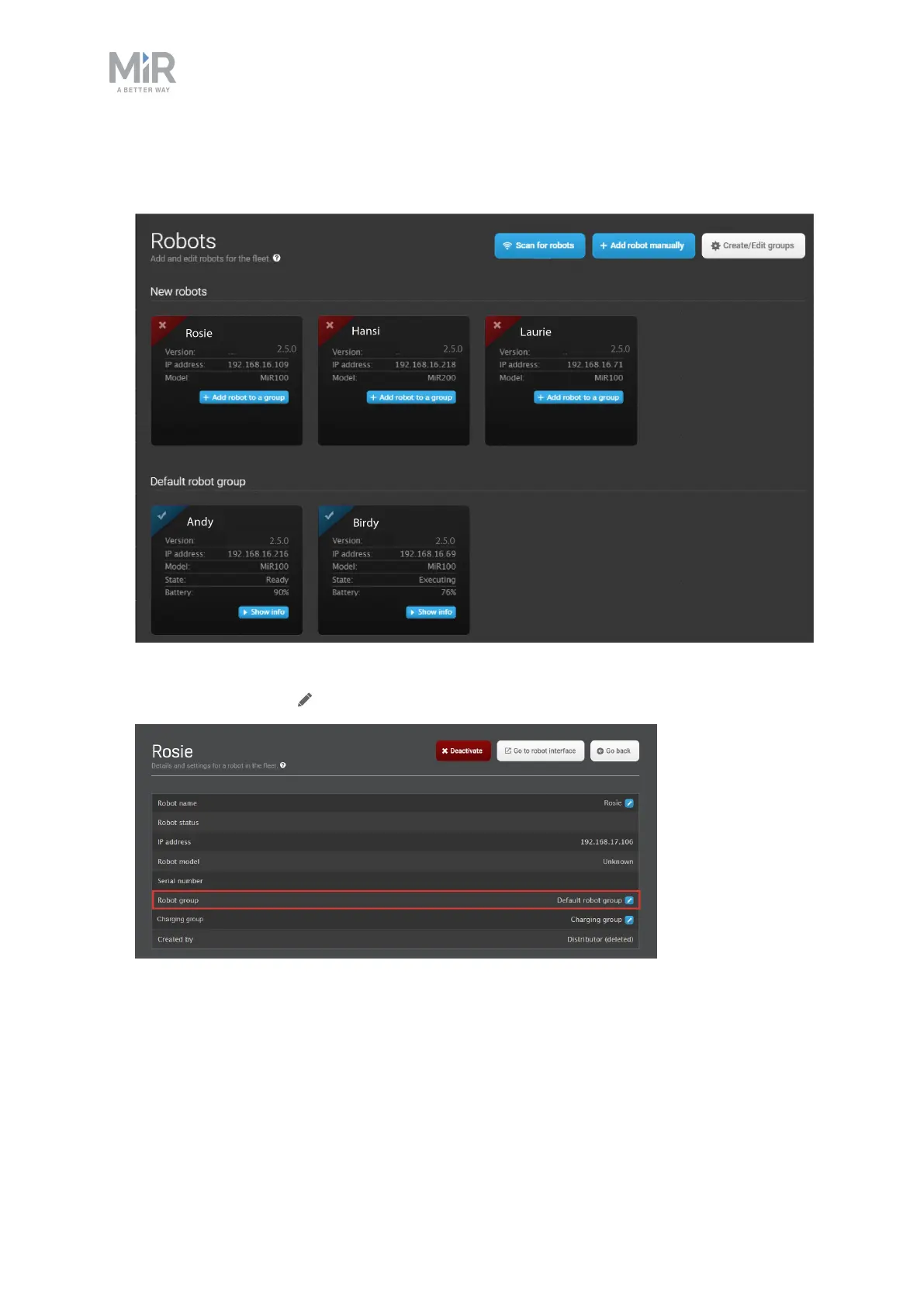
4. Select Create/Edit group to create the charging group. Select OK to exit the group
editor. The list of available robots is shown.
5. Assign a robot to the charging group by selecting Show info for the robot you want to
assign, and then Edit under Charging group.



 To Next Page