4. Commissioning
MiR Fleet PC Getting Started (en) 08/2020 - v.1.4 ©Copyright 2019-2020: Mobile Industrial Robots A/S. 39
4.8 Setting up fleet dashboards
Dashboards are set up the same way as in the robot interface, though with a different set of
available widgets.
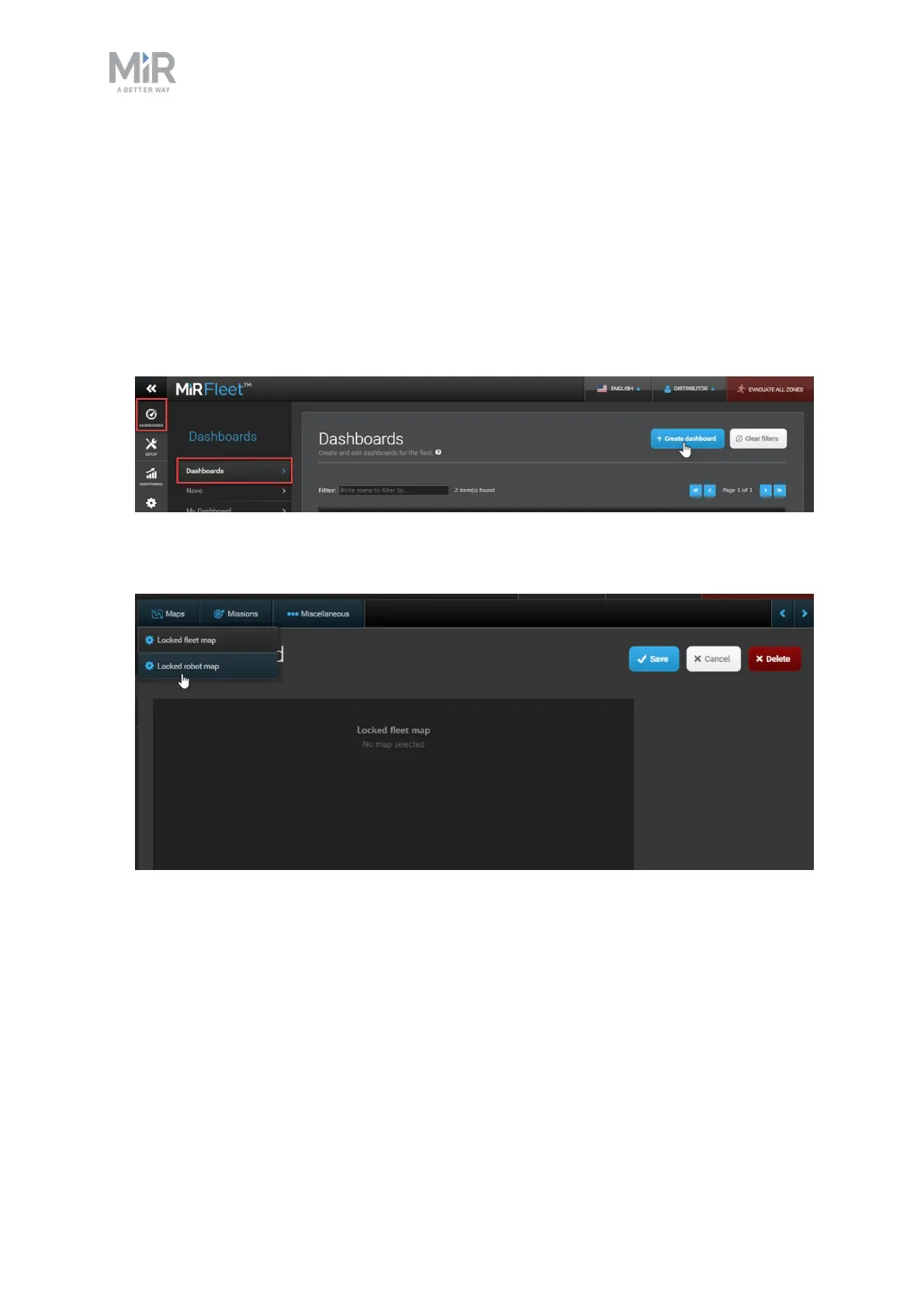
Follow these steps to set up a dashboard:
1. Go to Dashboards > Dashboards and select Create dashboard. Name the dashboard,
and select Create dashboard.
2. Select one of the widget groups and select a widget. Available widgets are shown in the
top bar.
3. Keep adding widgets, until you have the wanted dashboard. You can move the widgets
around and resize them as needed.



 To Next Page