4. Commissioning
MiR Fleet PC Getting Started (en) 08/2020 - v.1.4 ©Copyright 2019-2020: Mobile Industrial Robots A/S. 38
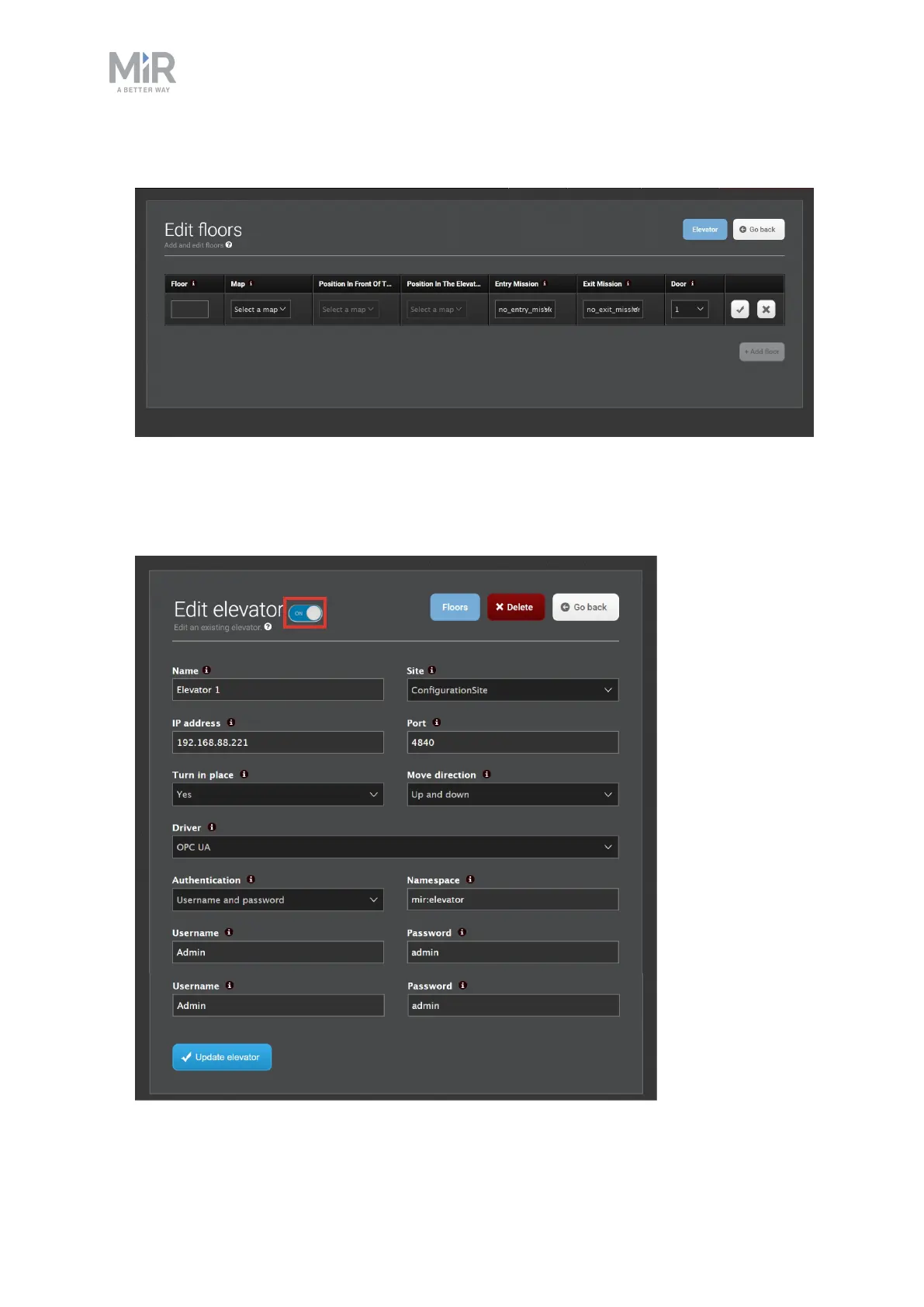
Select the check-mark when you are done.
5. Keep adding floors until you have the required number for your building.
6. When you have finished adding floors, activate your elevator.To do this select Elevator,
and set the ON/OFFtoggle switch to ON.



 To Next Page