4. Commissioning
MiR Fleet PC Getting Started (en) 08/2020 - v.1.4 ©Copyright 2019-2020: Mobile Industrial Robots A/S. 20
4. Commissioning
This section describes how you connect robots to MiR Fleet through the MiR Fleet interface
and how you set up the parameters that will get your fleet up and running.
4.1 MiR Fleet interface
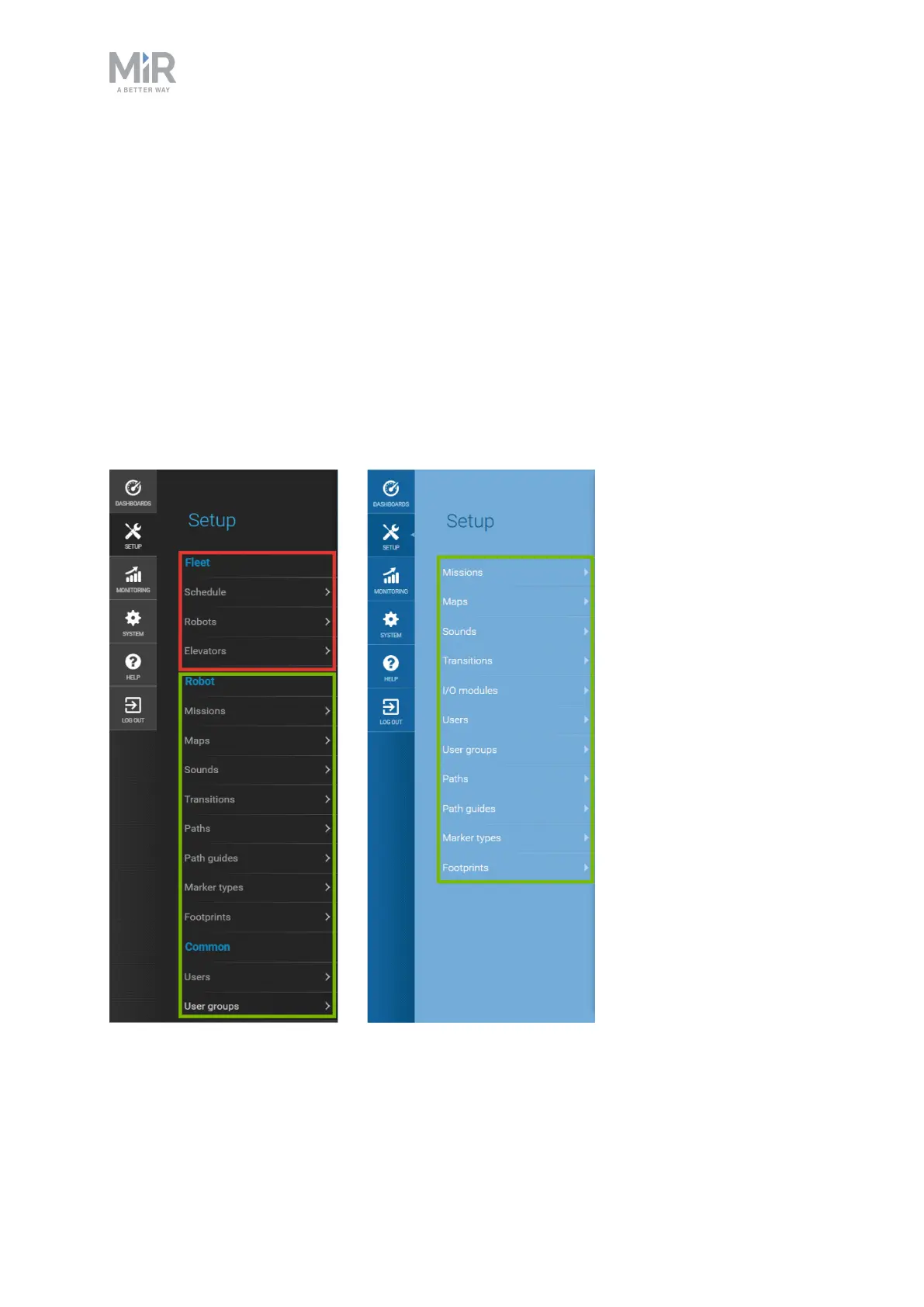
The MiR Fleet interface is very similar to the robot interface. Figure 4.1 shows what is
synchronized between fleet and robots in the Setup menu (green frame) and what is not
synchronized (red frame). The items in the red frame are fleet specific and must be set up in
the fleet interface.
Figure 4.1. The items that are boxed in green are synchronized between the robots through the fleet. The items
boxed in red are not synchronized and are specific to the fleet.



 To Next Page