3. Getting Started
MiR Fleet PC Getting Started (en) 08/2020 - v.1.4 ©Copyright 2019-2020: Mobile Industrial Robots A/S. 19
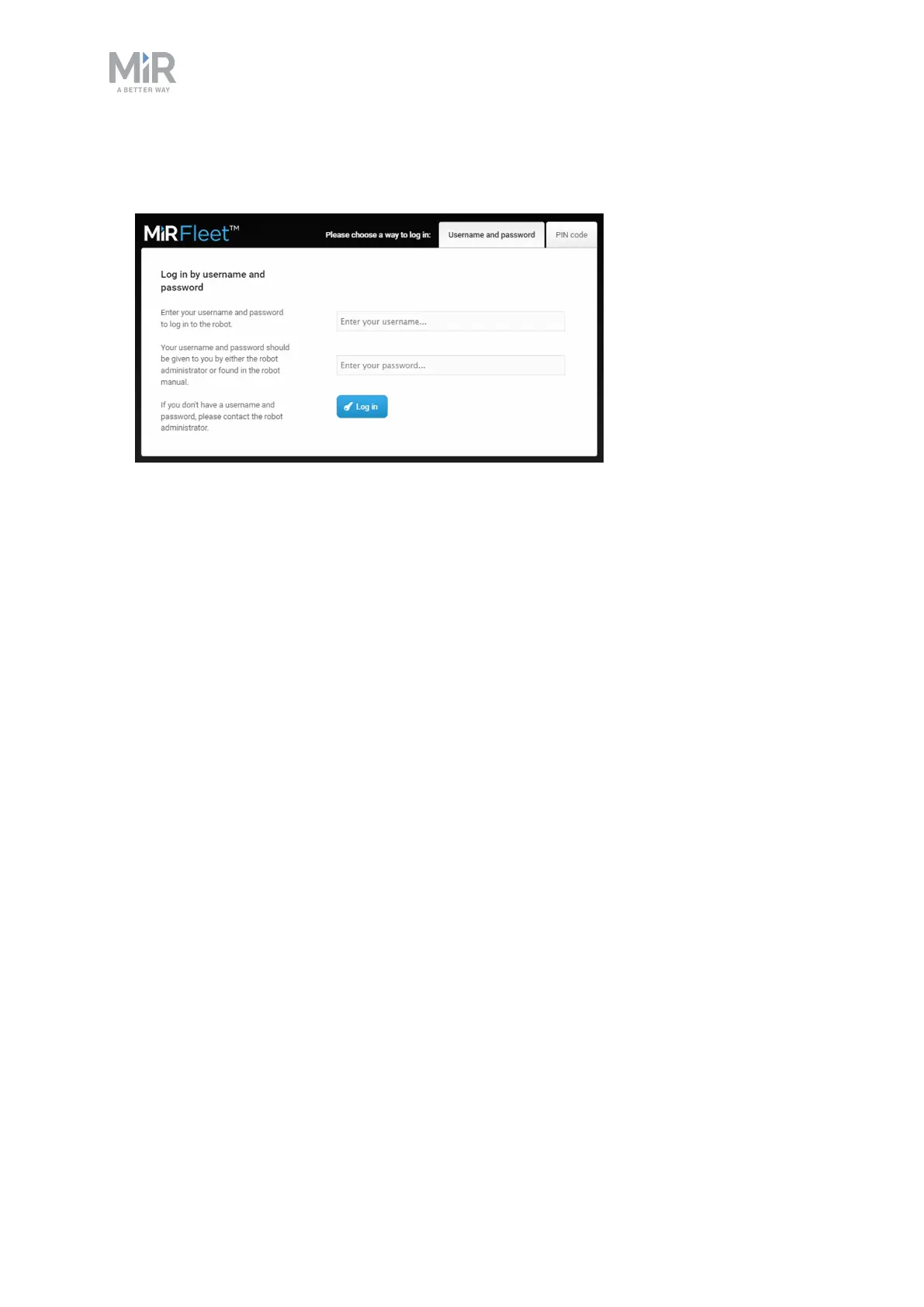
9. Once MiR Fleet has started up, open a web browser, and go to the sign in page by
inserting the IPaddress of your MiR Fleet in the address bar.
10. Enter a username and password. The default usernames and passwords are the same as
for robots. You can find the default usernames and passwords in the MiR folder you
received with the MiR Fleet USB pen.



 To Next Page