3. Getting Started
MiR Fleet PC Getting Started (en) 08/2020 - v.1.4 ©Copyright 2019-2020: Mobile Industrial Robots A/S. 12
3.2 Exporting a site file
It is always a good idea to export a site file to keep as a backup. Follow these steps to export
your site file:
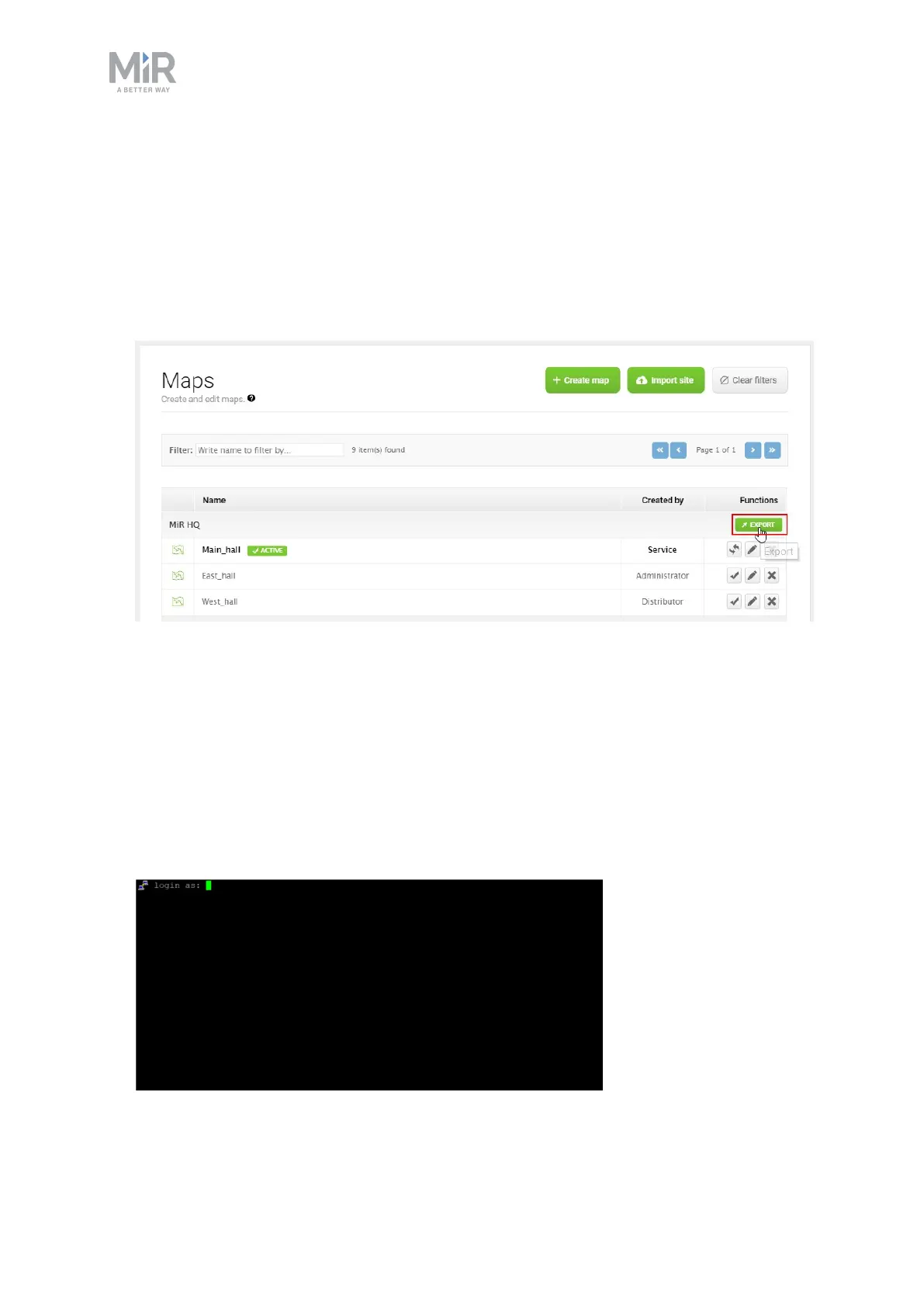
1. In a robot interface, go to Setup > Maps.
2. Select the site you want to use for the fleet and select Export.
The site file is now downloaded to your device and can be imported to the fleet later.
3.3 Finding your fleet's IP Address
To find the IP address of your MiR Fleet, you must access the fleet's Ubuntu operating
system and follow the steps below.
1. Connect the NUC to a power socket, to your network via the Ethernet cable, to a screen,
and to a keyboard. You will be greeted by the following image:



 To Next Page