3. Getting Started
MiR Fleet PC Getting Started (en) 08/2020 - v.1.4 ©Copyright 2019-2020: Mobile Industrial Robots A/S. 17
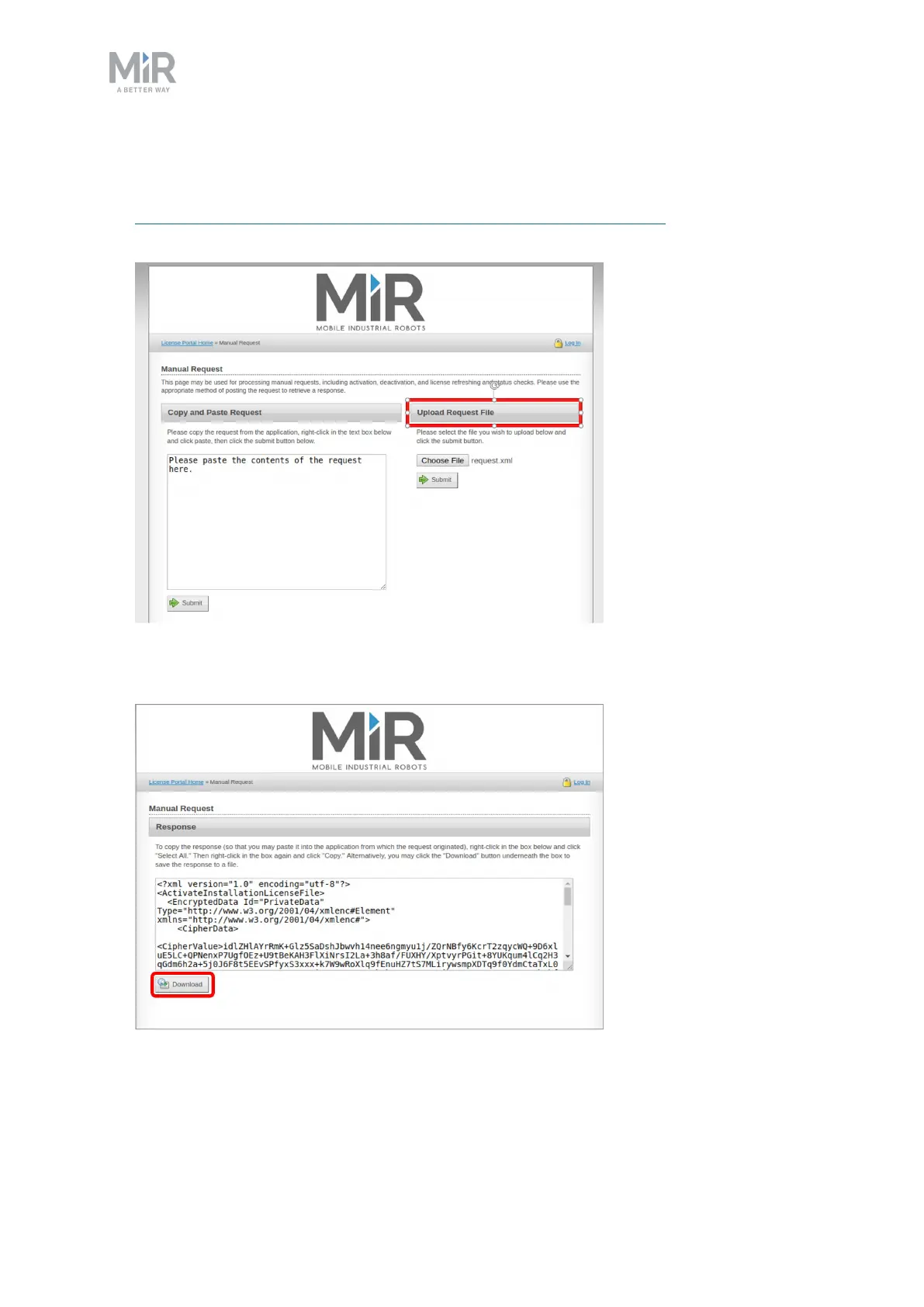
5. Transfer the request file to a computer with internet access, for example via a USB pen.
In a browser, go to the License portal at
https://secure.softwarekey.com/solo/customers/ManualRequest.aspx and upload the
request file. The web page now generates a response file
6. Select Download and save the response file on a USB pen. Then bring it back to MiR
Fleet.



 To Next Page