4.2. Cover
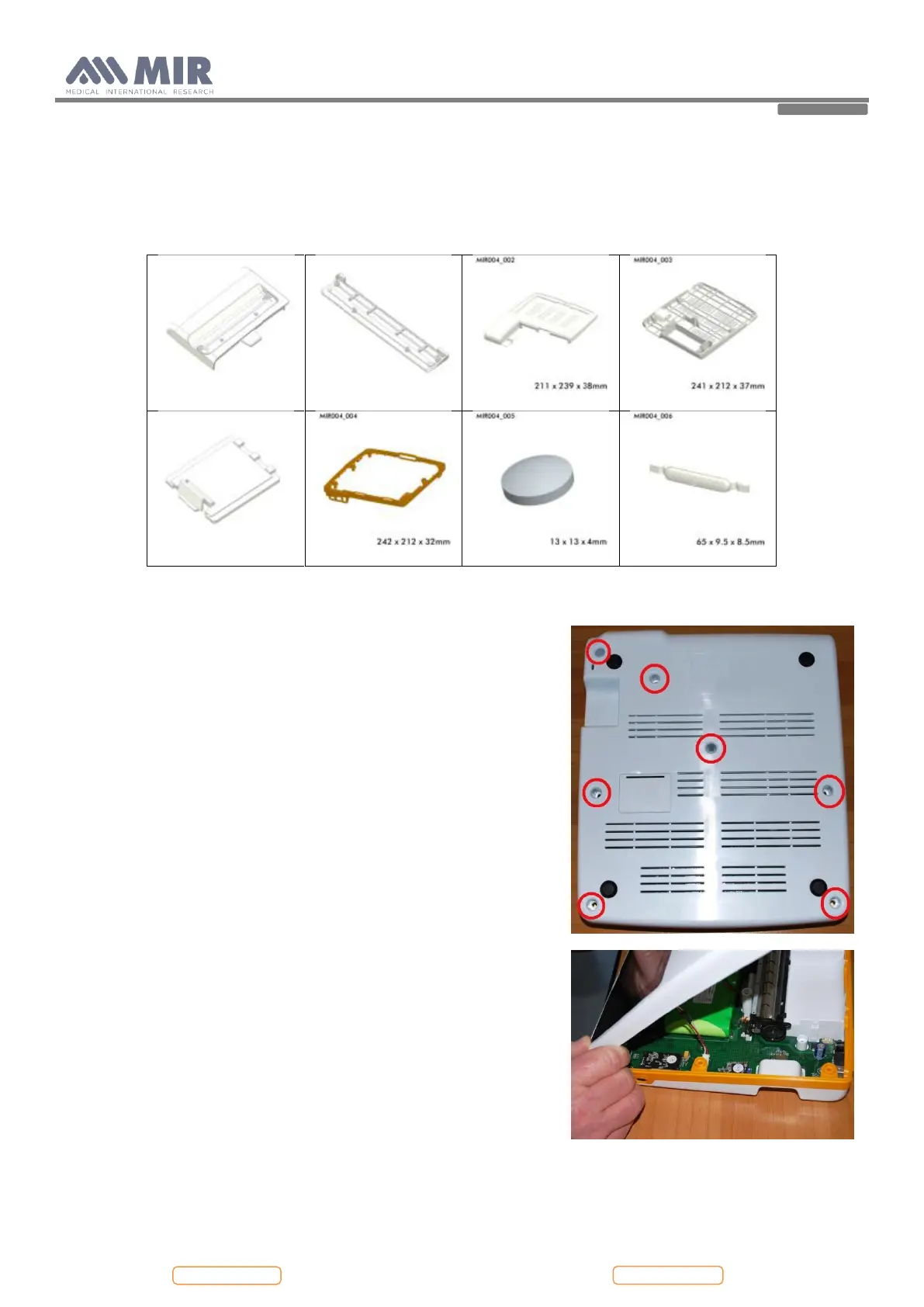
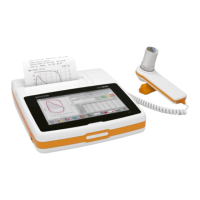
The Spirolab case consists of several parts as illustrated in the image beside.
The display is housed inside its casing which is made up of two parts held together with three screws.
4.2.1. Opening the device
To open Spirolab:
Switch off the device Place the device on a flat surface with bottom part
face-up.
Unscrew the screws in the holes highlighted in the image alongside.
Turn upside down the device and remove the thermal paper cover sliding it
to the back of the device.
Remove the upper case from the central case starting from the back side;
put the nails between the two cases and remove gently the upper case.
Pay attention to the display cables which are connected to the main board
Remove the cable red and white as in the image alongside.
Now it is possible to open some more the upper case and the other two
cables will be visible.
Open the white flat cable connector and the flat will exit easily.
At the end remove the other flat opening the brown connector.
In this way the upper case with the display are completely removed.


 To Next Page