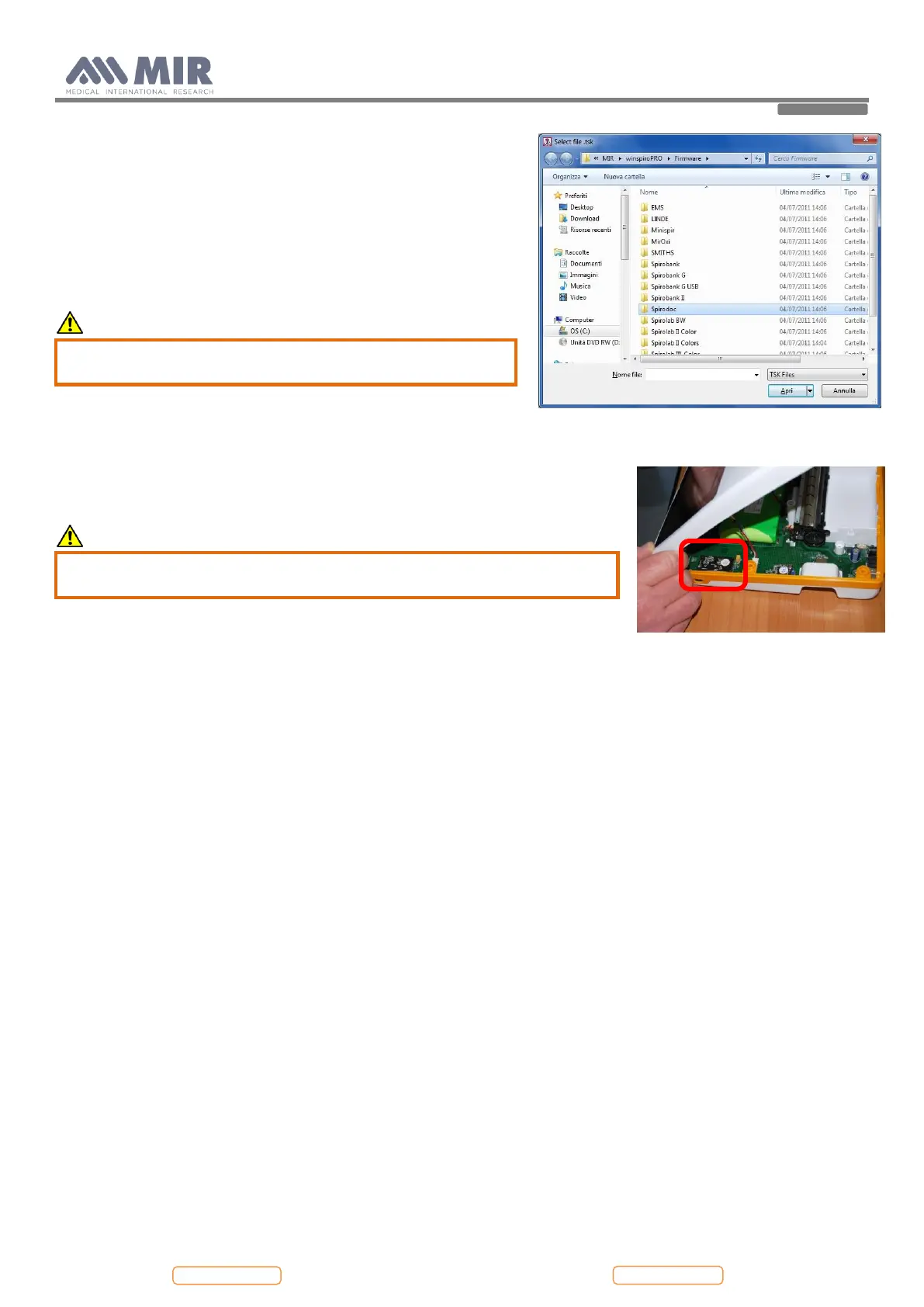
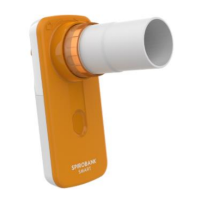
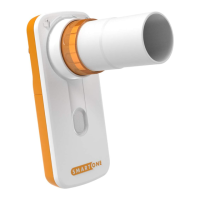
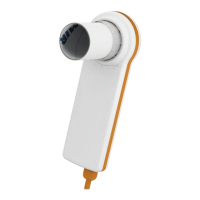
From the “Select file .tsk” search window select the firmware of your
device; click on the Spirolab folder and then on the selected file to
automatically launch the upgrading procedure of the internal software
of the spirometer.
4.4. Oximeter module
To check the oximetry module used on the device, refer to Annex 4.
CAUTION
Make sure before operating on the oximetry module to
switch off the device or disconnect the battery pack.
4.4.1. Replacing of the oximetry module
Open the device as described in point 4.2.1. The visible face of the PCB shows near
the micro USB connector the housing of the oximetry module.
Remove the oximetry module using the hands.
CAUTION
The module is fixed to the PCB so move gently until the module is
completely removed.
Replace the oximetry module.
To attach the oximetry module to the PCB, it is recommended to apply an adhesive
in the space between the PCB and the highest micro on the oximetry module (placed
in the face not visible).
Close the device as in point 4.2.1 in reverse order.
4.5. Testing procedures
After making all repairs described in the previous paragraphs, correct functioning tests must be performed on both the
Hardware and Software.
Devices with oximeter and devices without oximeter have their own specific testing procedures.
4.5.1. Testing procedures for devices with oximeter
The following checks must be carried out on each device:


 To Next Page