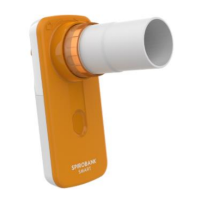
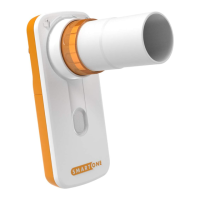
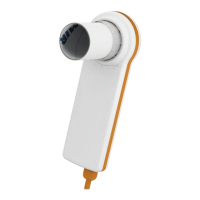
– Replace the cable
– If after changing the cable the problem persists, then send the device to the manufacturer
Verify the correct installation of the winspiroPRO software
– Check the winspiroPRO USB connection: from menu “Configuration”, “Options”, “Communication”
– Check that the driver is installed in the following folder:
C:\MIR\winspiroPRO\Drivers\MIR USB drivers\WinVista-Win7
if the driver is not installed then it can be obtained from the manufacturer. Then copy it into the above-
mentioned folder.
– If the problem persists contact the manufacturer.
6.9. Index of components
To simplify component identification they are marked in the attached drawing of the components layout of the
Printed Circuit Board (PCB) MIR080.
See Appendix C for more information on the component name and description.


 To Next Page