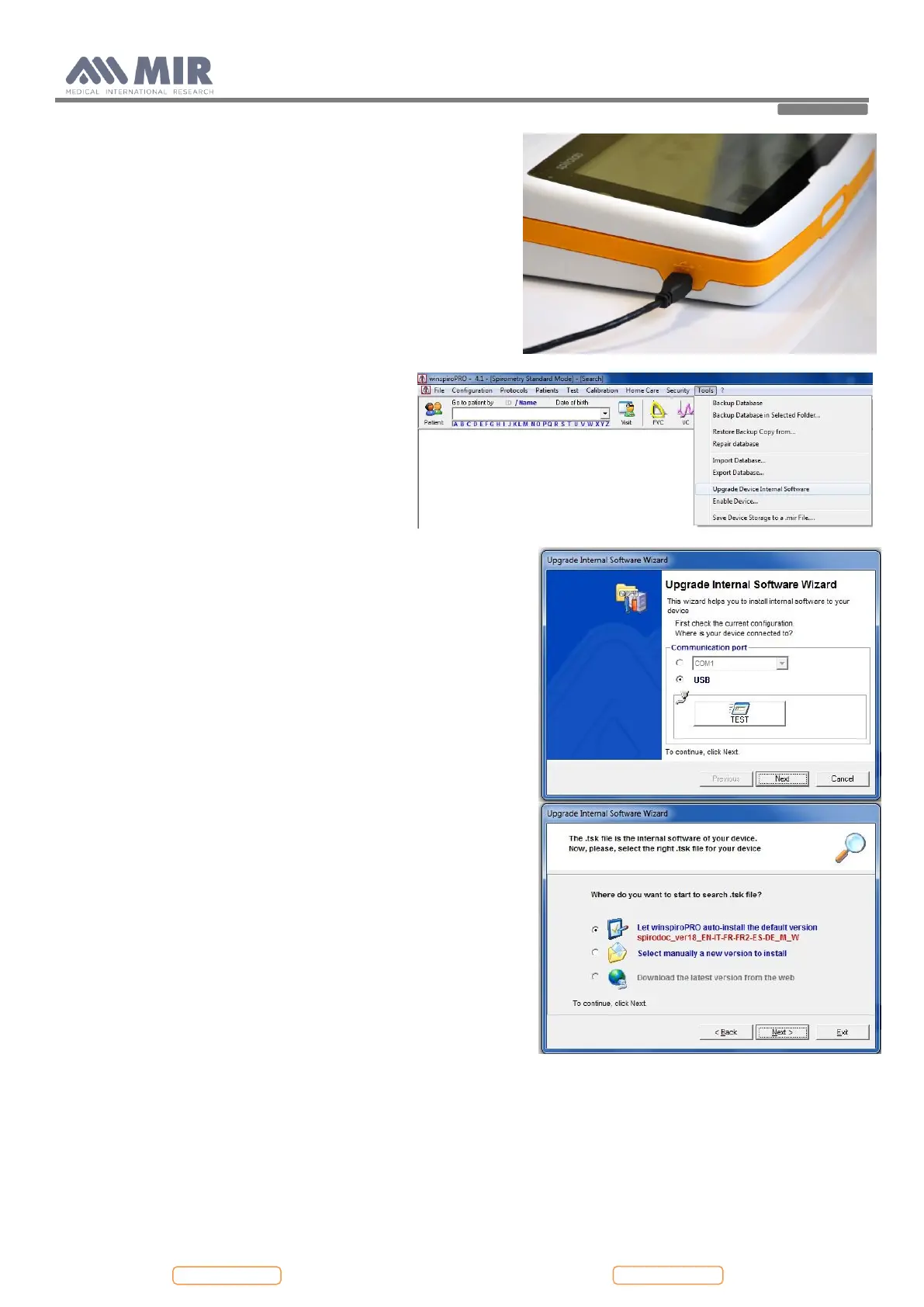
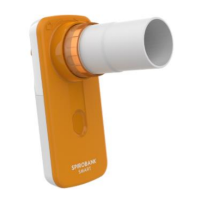
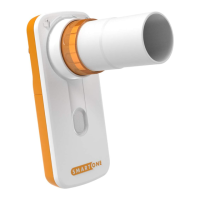
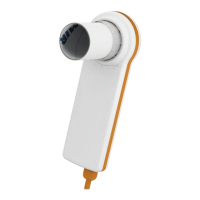
winspiroPRO can check the correct functioning of the USB port
from the “options” menu; before downloading any newer releases
make sure that the device is correctly connected to the PC software,
the software will automatically recognize the device if it has already
been connected to the PC and then carry out the following
instructions.
To check the connection between the device and the PC, check the
correct functioning from the “options, communication” menu. On
the display of Spirolab appears the following message:
External control
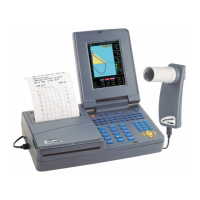
To download the new internal software version
click on "Tools" menu, and then on "Upgrade
Device Internal Software"
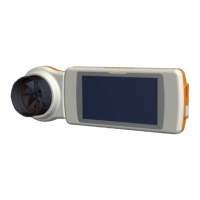
This wizard helps the user to select the method used to connect the
device to the PC and then, with the “TEST” icon, the user can check
the connection (see image).
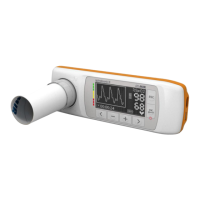
Search for the .tsk file to be downloaded into the spirometer. Choose
either auto-install or manual file search; browse system resources
through list of folders, select .tsk file and then click on Next.


 To Next Page