5505 Guest IP Phone Administration Guide
Preparing the Cordless Handset and Installing the
Batteries
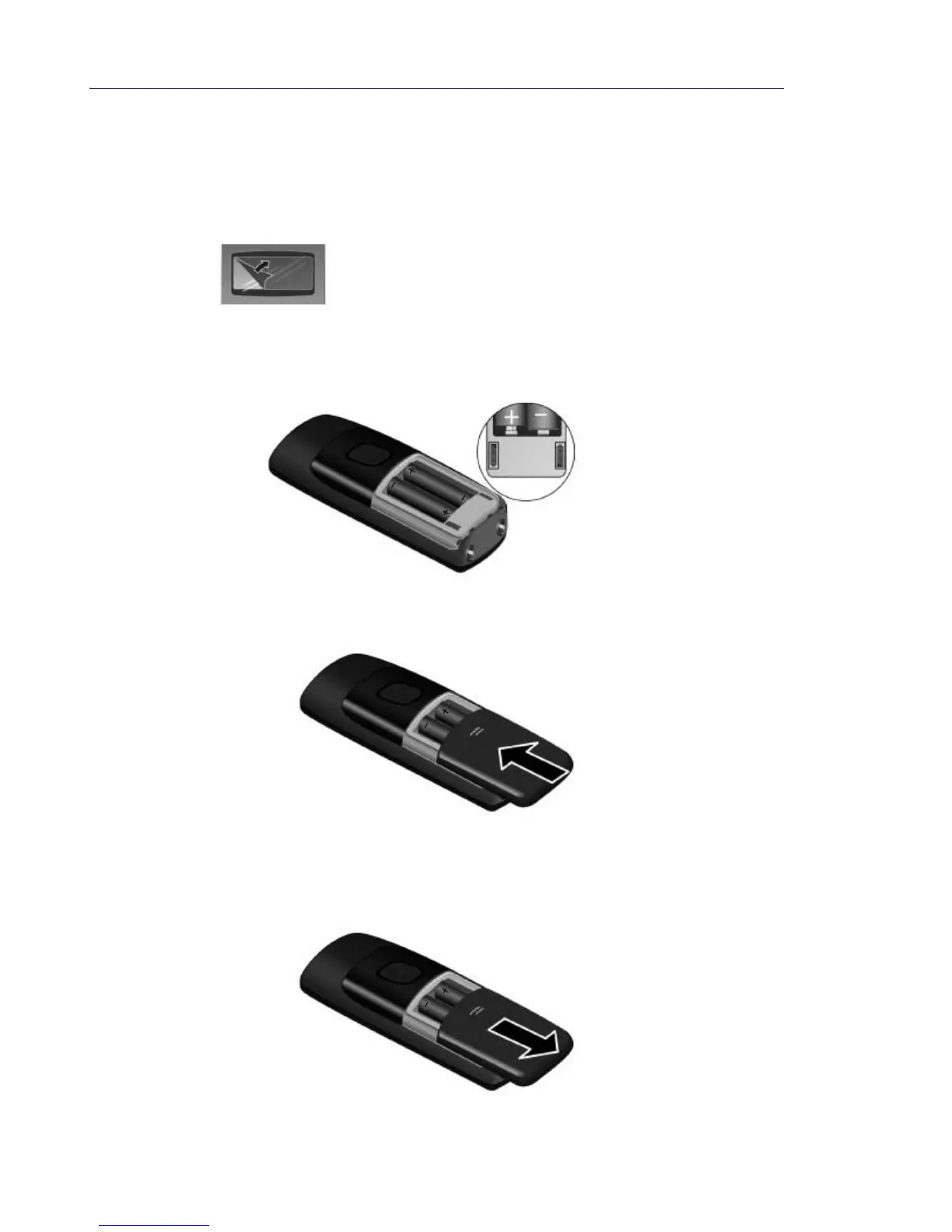
1. The display is protected by a plastic film. Remove the protective film.
2. Insert the batteries as designated on the back of the handset. The polarity is indicated on
the battery compartment.
3. Slide the battery cover back into the main casing until it clicks into place.
4. To open the battery cover, for example, to replace the batteries, place your fingertip in the
grooved area on the top of the cover and slide down.



 To Next Page