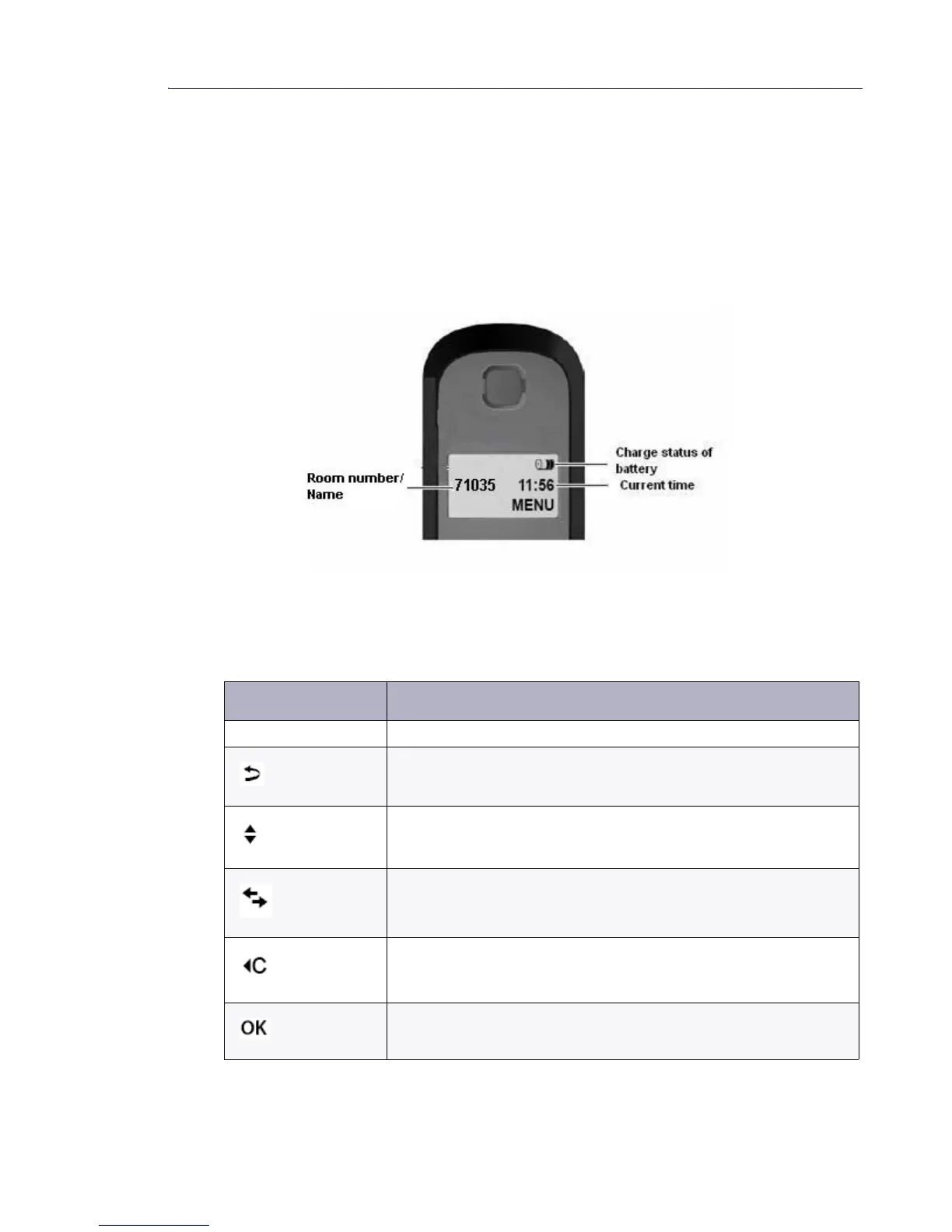
Display and Display Back Light
The Cordless Handset has a 1-line (14 characters wide) illuminated black and white display.
The display backlight automatically dims off while the handset is idle.
The Room Name/Number is displayed, along with the current time and status of the battery.
The MENU provides Alarm Clock, Audio, and Handset settings. See “Using the Handset MENU”
on page 32 for more information. The Room Name/Number remains in memory after the
batteries go dead.
Display Keys on the Handset/Using the Menu
Pressing a display/sofkey launches the function that appears above that key in the display.
Display Icon Function when pressed
MENU Opens the main/submenu (see the Menu tree)
Go back one menu level
Scroll up/down or adjust volume with the Control Key
Move cursor to left or right with
Backspace deletes one character at a time from right to left.
Confirm Menu function or save the entry.



 To Next Page