5505 Guest IP Phone Administration Guide
Using the Handset MENU
The handset has many features offered in the MENU that allow you to customize the handset.
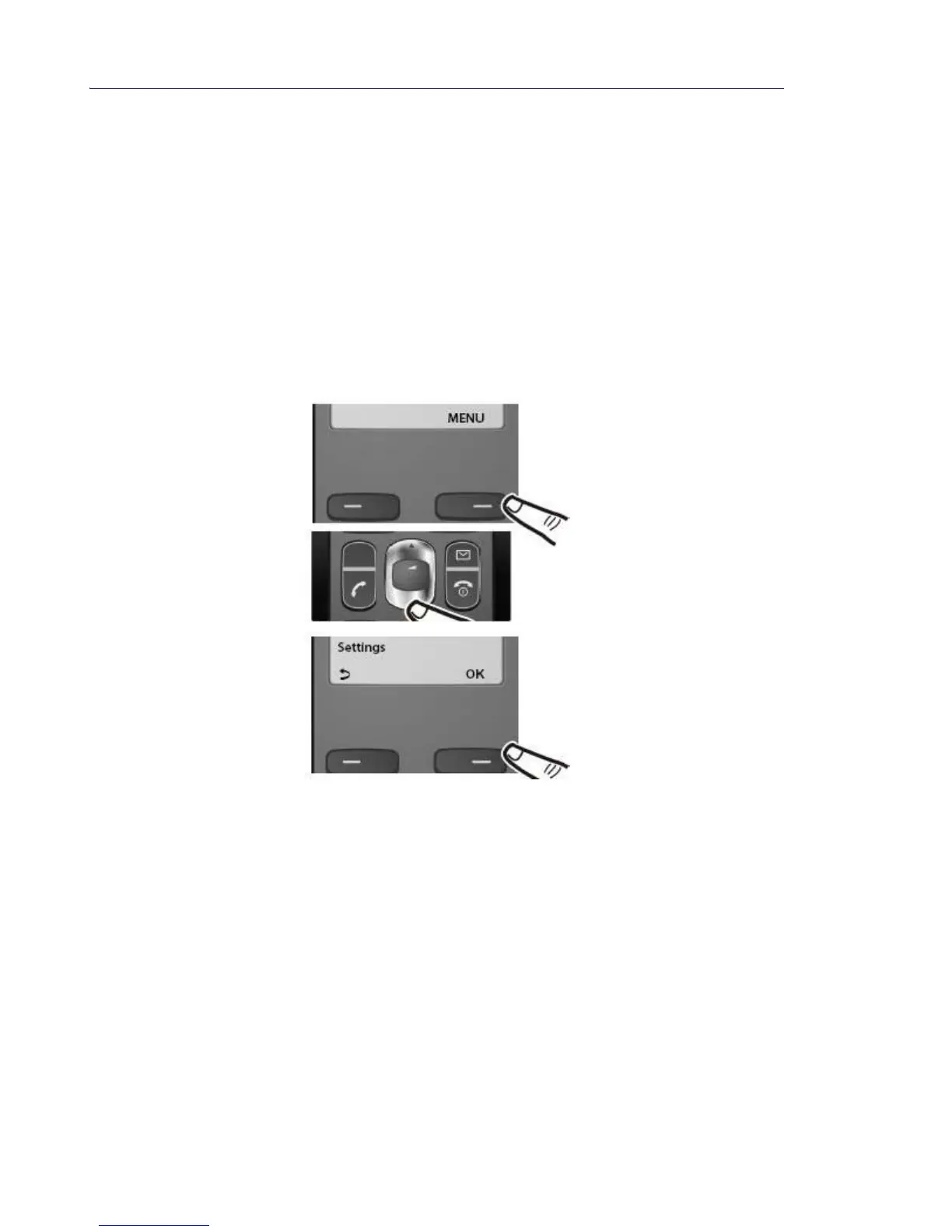
To open the main MENU:
1. Press the display key below MENU on the handset to open the main menu (see the illus-
tration below).
2. Scroll down through the choices.
See “Menu Tree and Customizing the Handset” on page 33 for more details.
3. Press the display key below OK to confirm your selection.



 To Next Page