MITEL AG4100 ANALOG GATEWAY - QUICK INSTALLATION GUIDE
04/2024 11
3 BEFORE INSTALLING
3.1 REQUIRED TOOLS AND EQUIPMENT
Tools
• Phillips #2 screwdriver for the rack mount brackets.
• Anti-static wrist strap to protect the Mitel AG4124 or AG4172 Analog Gateway from
electrostatic discharges (ESD).
Equipment
For the Mitel AG4124 Analog Gateway:
• RJ11 and RJ21 cables to connect the analog terminals.
For the Mitel AG4172 Analog Gateway:
• RJ21 cables to connect the analog terminals.
For more information about the RJ21 cable, refer to section 6.1 – RJ21 Cable.
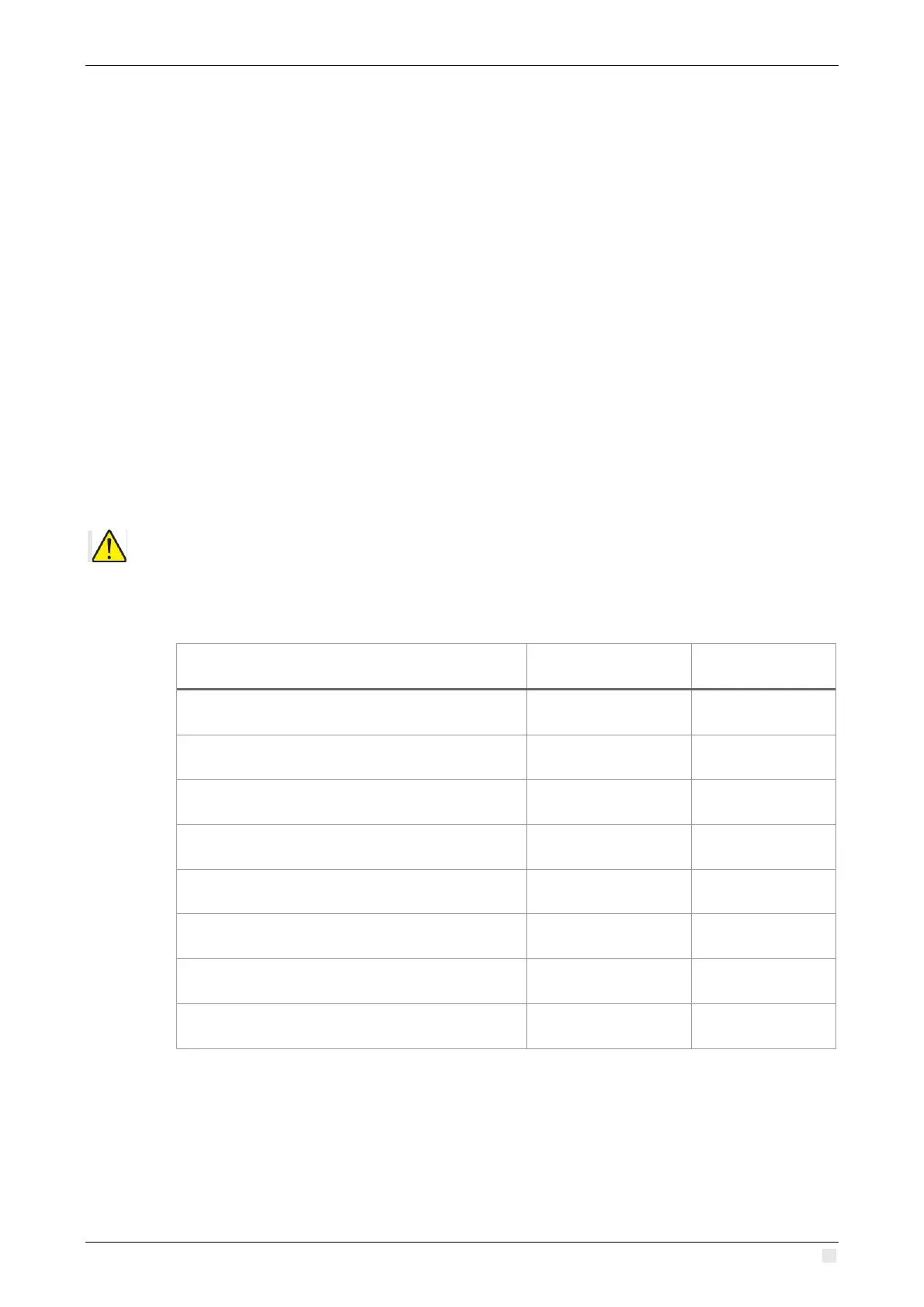
3.2 CHECK LIST OF THE ITEMS IN THE BOX
ATTENTION: For the power supply, you must order an AC power cord separately as they are
not included in the box.
3.2.1 AG4124 ANALOG GATEWAY BOX
Equipment In the box Date
1 Mitel AG4124
1 RJ11 cable
1 RJ45 cable
1 console cable
1 earth grounding cable + 1 screw
2 rack mount brackets + 8 M3 screws
4 silicone adhesive bumper pads
5 screws and captive nuts for the rack



 To Next Page