MITEL AG4100 ANALOG GATEWAY - QUICK INSTALLATION GUIDE
18 04/2024
6.1.3 LONG LINE SUPPORT CONFIGURATION
The Mitel AG4100 Analog Gateways supports long lines, for loops longer than 800 meters.
To enable this option:
• Access the Analog Gateway Web Admin with a browser.
The default IP address is 192.168.11.1.
The default login/password are admin/admin.
• Menu Advanced>FXS Parameter
For the Mitel AG4124:
o Click on the checkbox Enable of the Long Line Support line.
• For the Mitel AG4172:
There are 3 checkboxes for each RJ21 line, from Slot 0 et Slot 2.
Slot 0 supports FXS port 0 to 23.
Slot 1 supports FXS port 24 to 47.
Slot 2 supports FXS port 48 to 71.
o Under Long Line Support, click on the required checkboxes on the Enable lines.
• Click the Save button.
6.2 MITEL AG4100 SYSTEM ENGINEERING INFORMATION
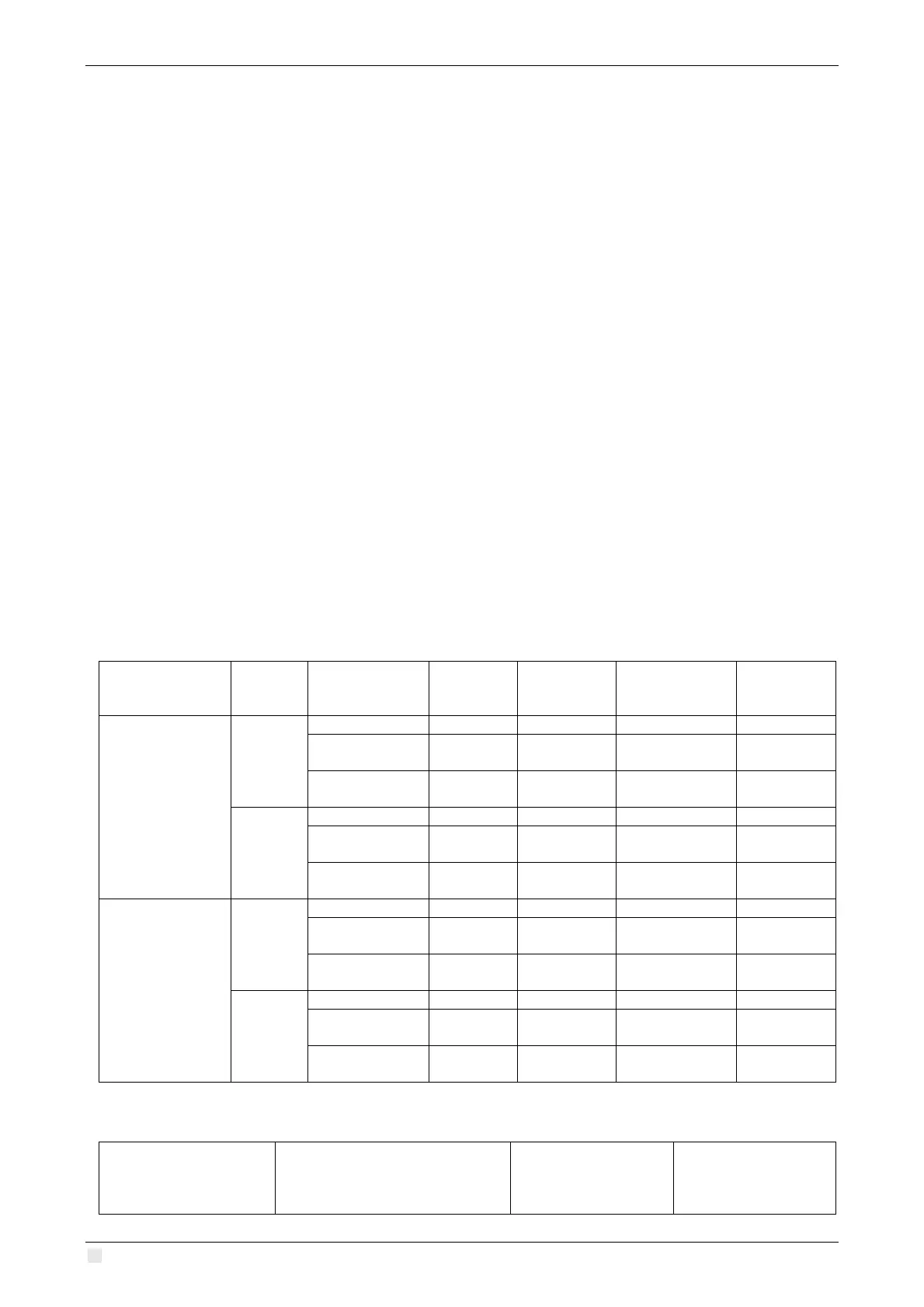
6.2.1 VOLTAGE & POWER RATINGS
Analog
Gateway Model
VAC
Operating
State
Current
(mA)
Power (W)
Volt-Amperes
(VA)
dissipation
Mitel AG4124
120VAC
213 14.4 51.1 2.4
Active / Active
(mA, 200R)
413 28.2 99.09 4.6
240VAC
145 15.2 69.58 3.8
Active / Active
(mA, 200R)
257 28.3 123.32 5.6
Mitel AG4172
120VAC
1507 106.5 181 4.5
Active / Active
(mA, 200R)
1327 84.9 159 6.5
240VAC
881 99.3 211 5.2
Active / Active
(mA, 200R)
783 81.3 188 7.4
6.2.2 FXS PORT CURRENT (MA) CHARACTERISTICS
Product Number Mitel Description
Hook Leakage
Current
FXS Port Loop
Current
(mA)



 To Next Page