5320/5330/5340 IP Phone SIP User and Administrator Guide
41
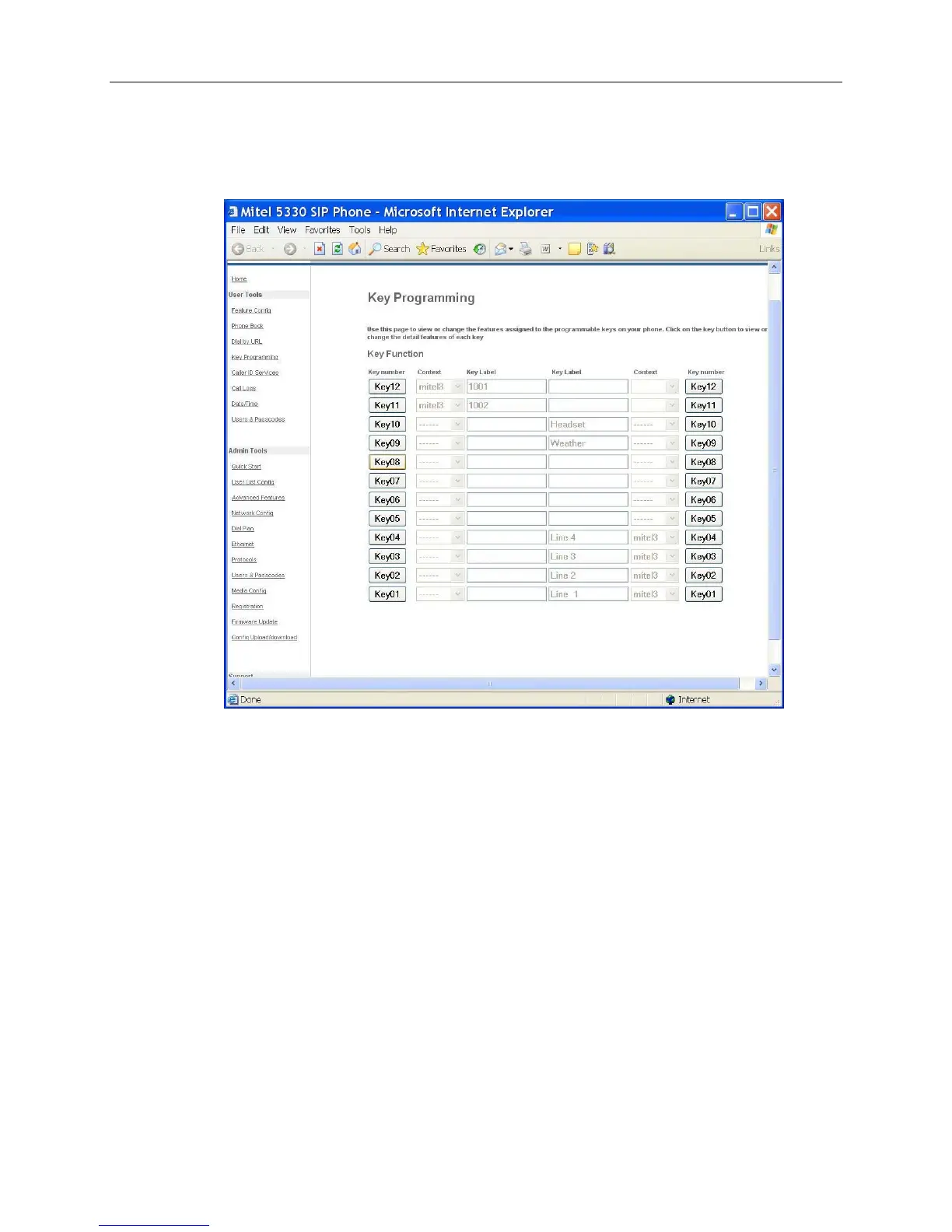
To program a BLF Key:
1. Access the Key Programming page of the Web Configuration Tool. (Note that the 5320 IP
Phone only has 8 programmable keys.)
2. Click the Key Number of the key you want to assign as a BLF key. In this example, Key 11 -
left is selected to monitor user mitel2 on extension 1002.
3. From the Feature list, select Speed Dial + BLF.


 To Next Page
 Loading...



