Exchanging the picture of the PIP image and the
main image
oooc
ooo_
OOO_
ooo_
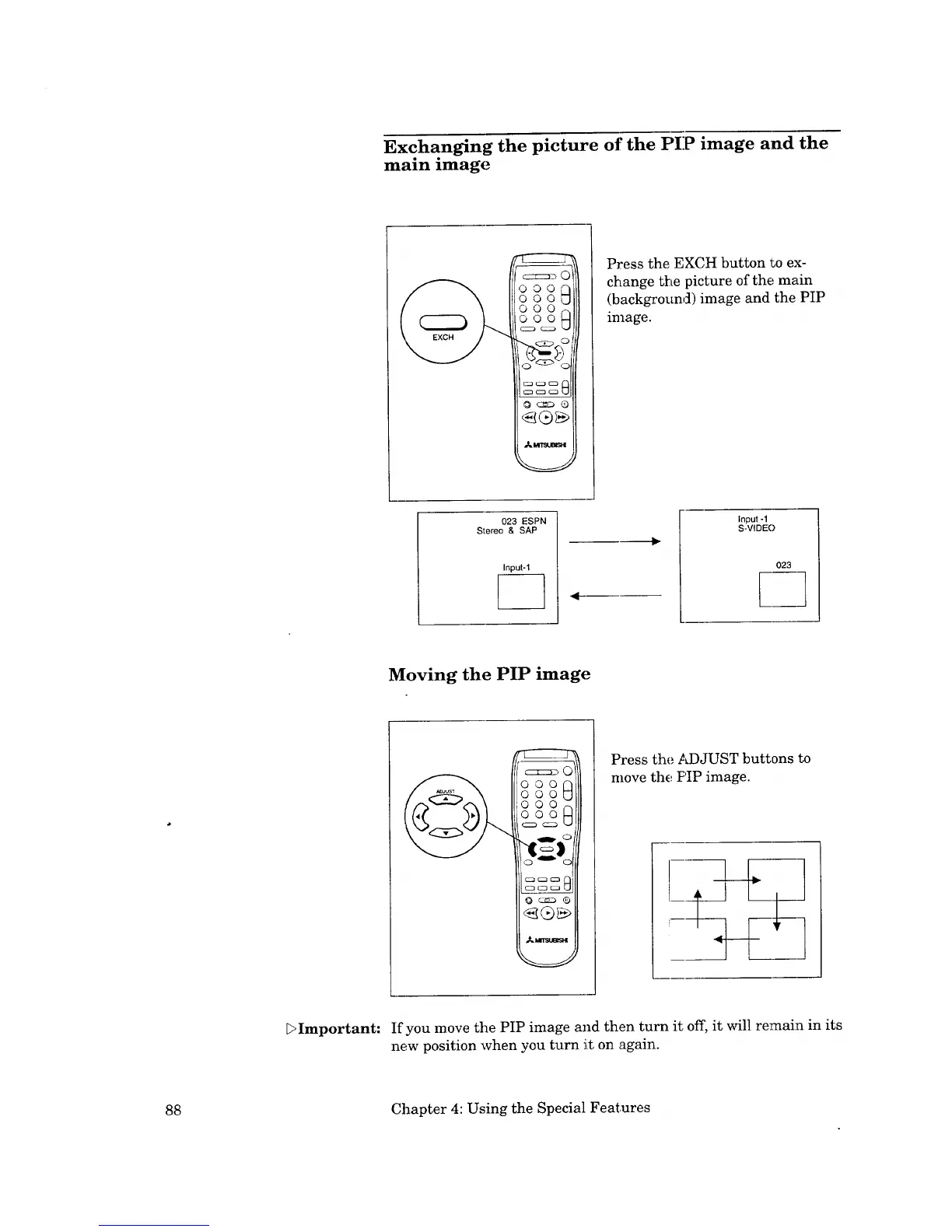
Press the EXCH button !_oex-
change the picture of thE,'main
(background) image and the PIP
image.
023 ESPN
Stereo & SAP
Input-1
Input -1
S-VIDEO
023
Moving the PIP image
Press the ,ad)JUST buttons to
move the PIP image.
bImportant: If you move the PIP image and then turn it off, it will remain in its
new position when you turn it on again.
88 Chapter 4: Using the Special Features



 To Next Page