Operating the unit
31Operating instructions
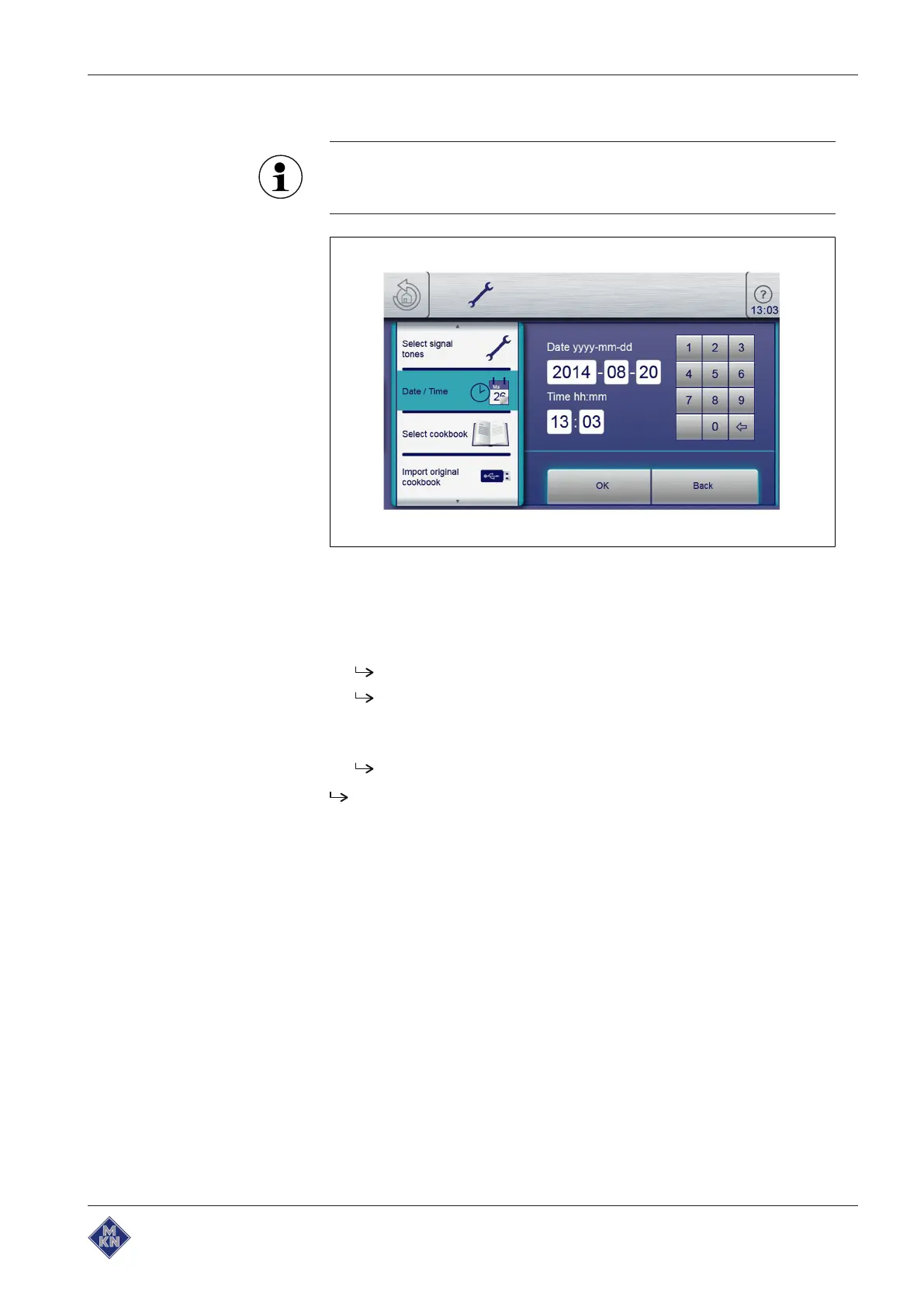
5.5.3 Setting the date and time
Observe the displayed date and time format carefully. If values
are invalid, the entry is not accepted.
Image: Date and time setting window
Requirement
The
Settings
menu is displayed
1. Tap the "Set date and time" field.
The
Setting
window opens.
The
Keypad
opens.
2. Enter the date and time.
3. Tap the Confirm button.
The
Keypad
closes.
The date and time are set.
10015160-0ABBE--



 To Next Page