Operating the unit
50 Operating instructions
5. Save the cooking program.
All modifications to the cooking program are saved.
The saved cooking program is modified.
5.10.6 Deleting a cooking program
Requirement
Cooking program open
Cooking program not started
1. Tap the
green
tab.
2. The
Tab
window is open.
3. Tap the "Delete cooking program" field.
The
Delete
window is displayed.
4. Tap the "Yes" button.
The cooking program is being deleted.
The
Confirm
window is displayed.
5. Tap the
Confirm
button.
The
green
tab closes.
The cooking program is deleted.
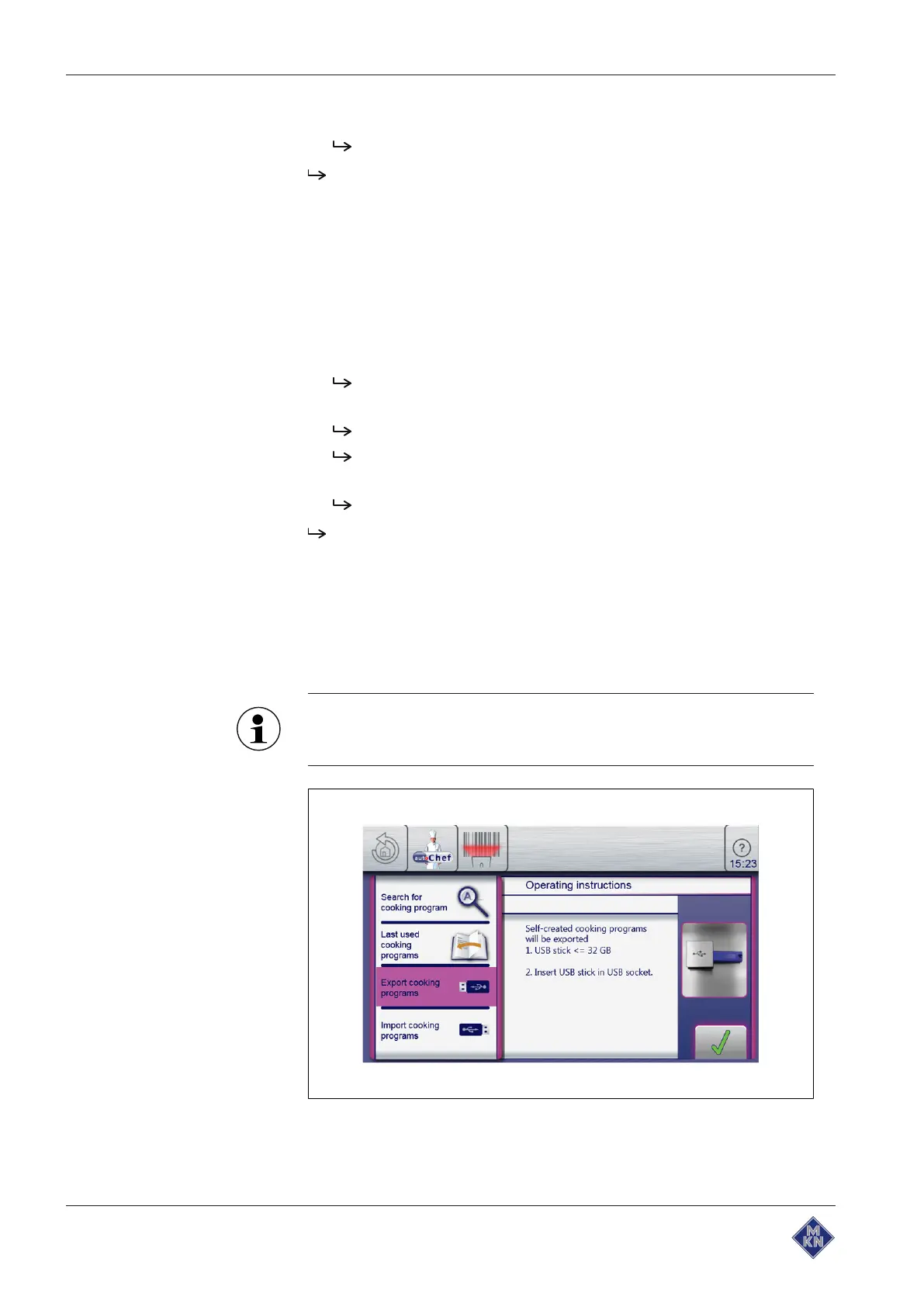
5.10.7 Exporting and importing cooking programs
Exporting a cooking program
When exporting, all user-created cooking programs in the cookbook
are exported.
Previously exported cooking programs on the USB flash drive
will be overwritten.
Image: Export cooking program window
10015160-0ABBE--



 To Next Page